EN
Discord

Freeware · MSFS 2024 · PC

Bressanone HospitalPelikan 2

Your Pelikan 2 base. From the helipad to the hangar.

Bressanone / Brixen · Südtirol / Alto Adige

DOLOMITI VOLUME 1

Extend your HEMS flying into the Dolomites.

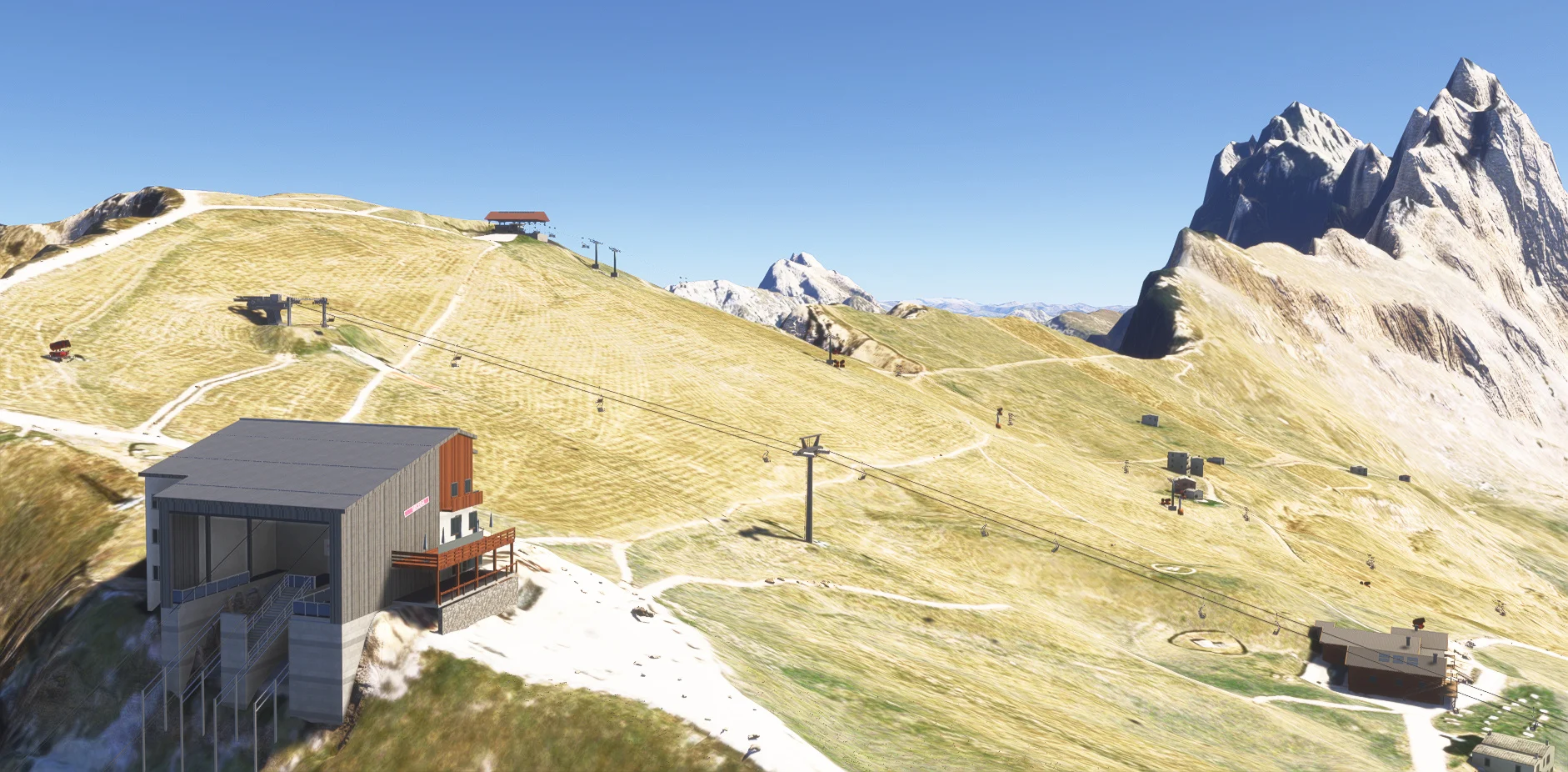
We strongly recommend pairing this free Pelikan 2 base with DOLOMITI VOLUME 1 for more realistic virtual rescue flights among recreated mountain huts, lifts and helicopter landing sites.

Dolomiti Volume 1 is a separate, optional premium scenery. Bressanone is completely free and works independently.

MESHBORNE · PELIKAN 2

Bressanone Hospital

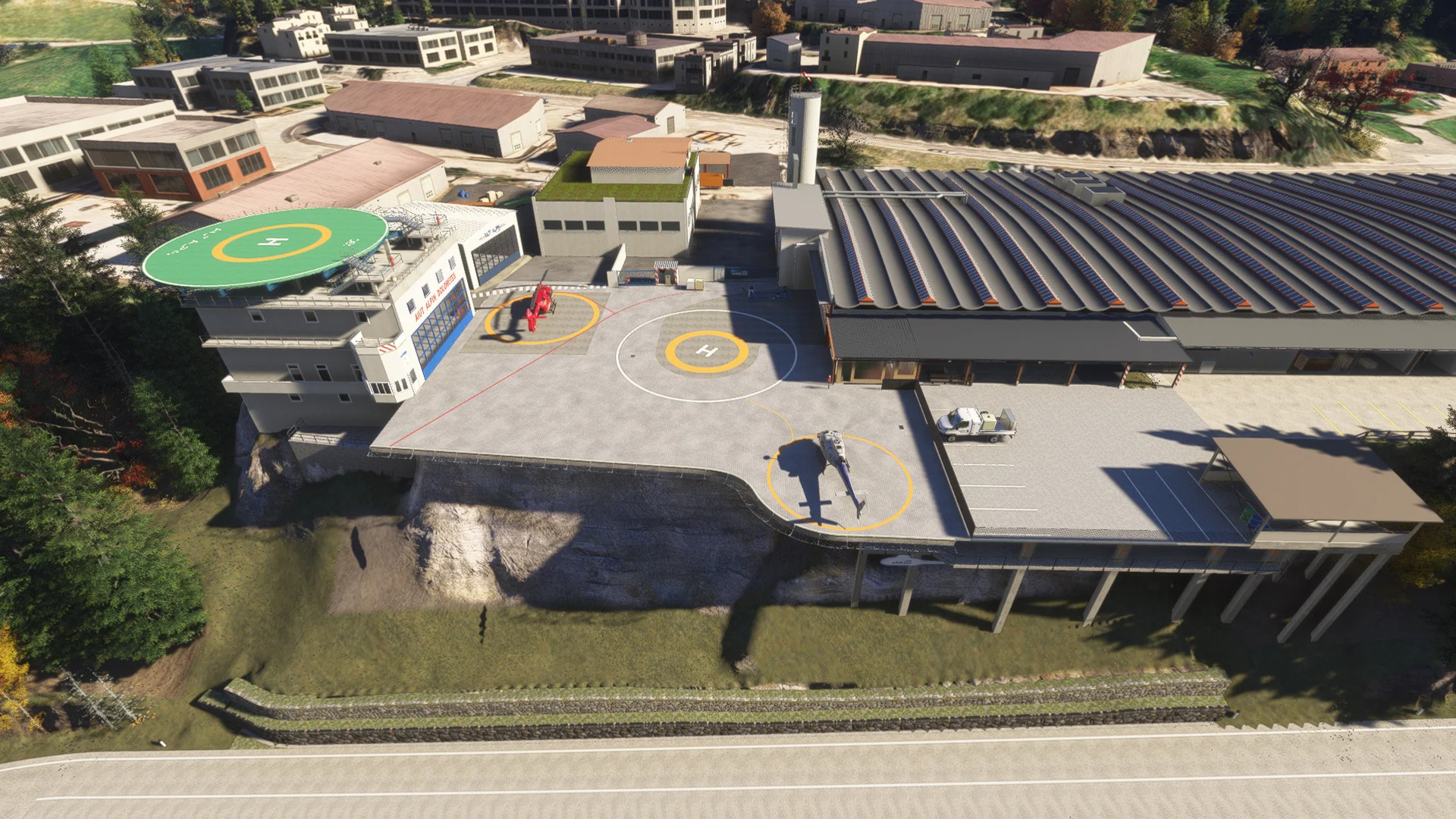
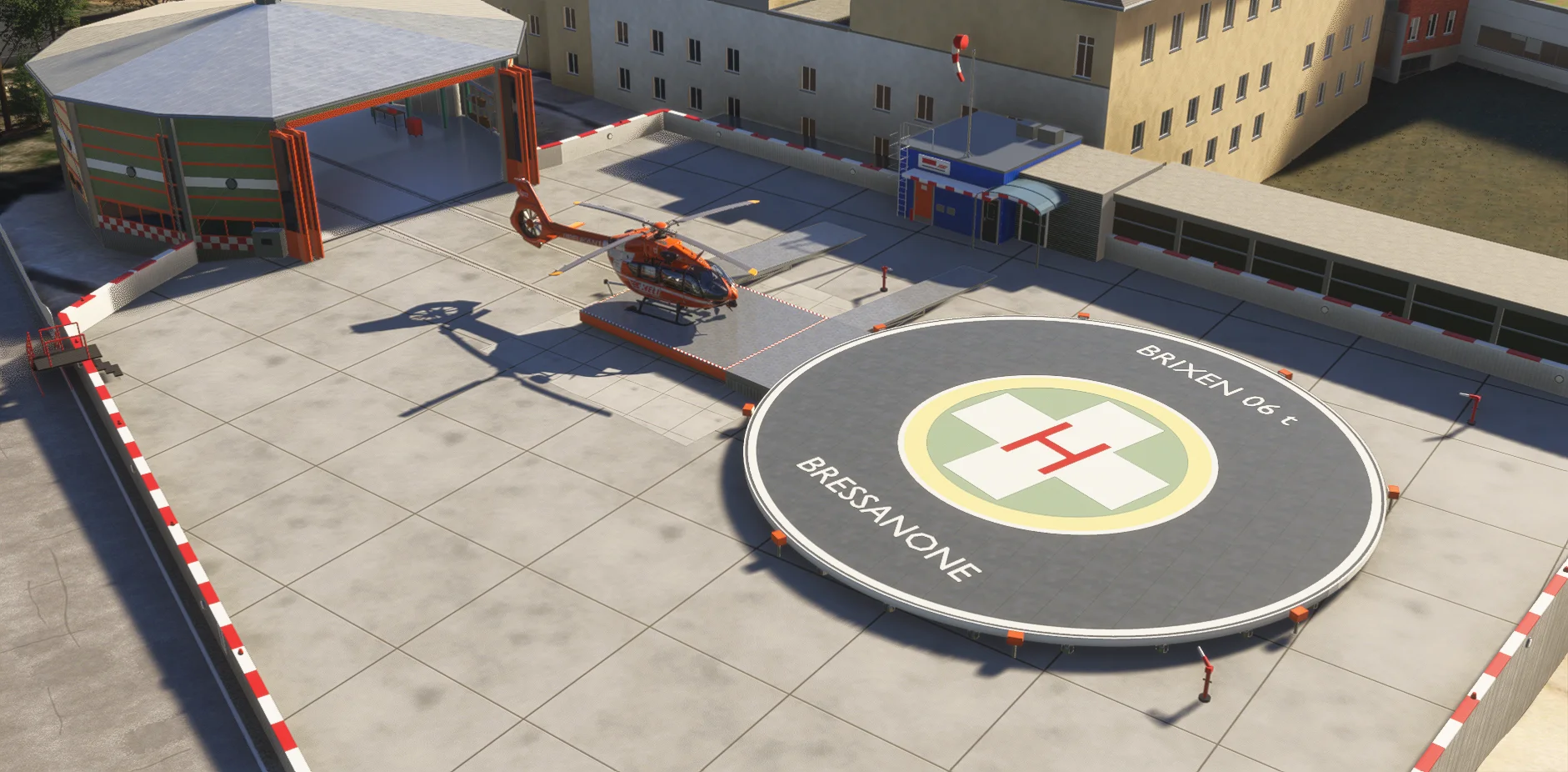
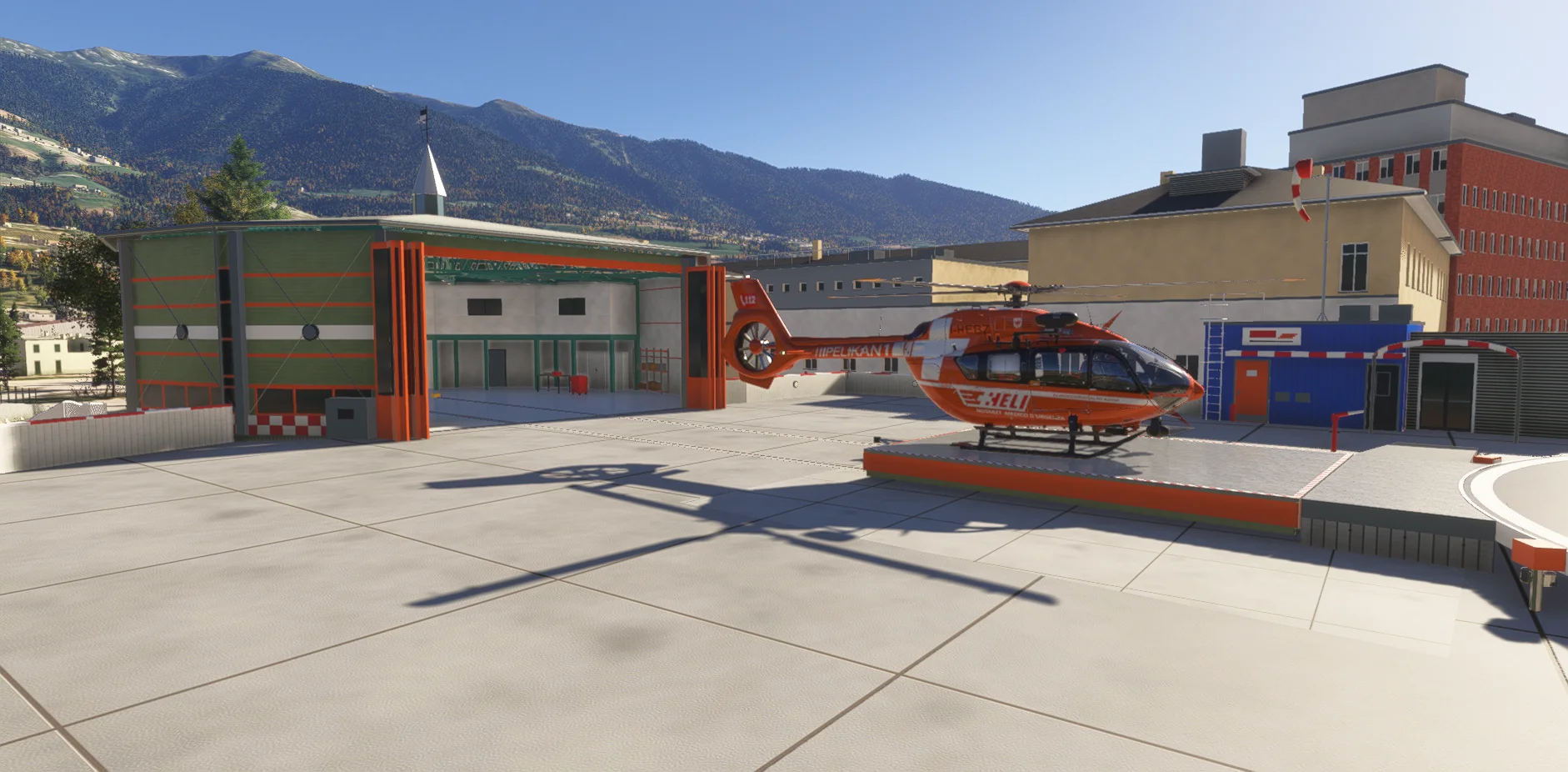
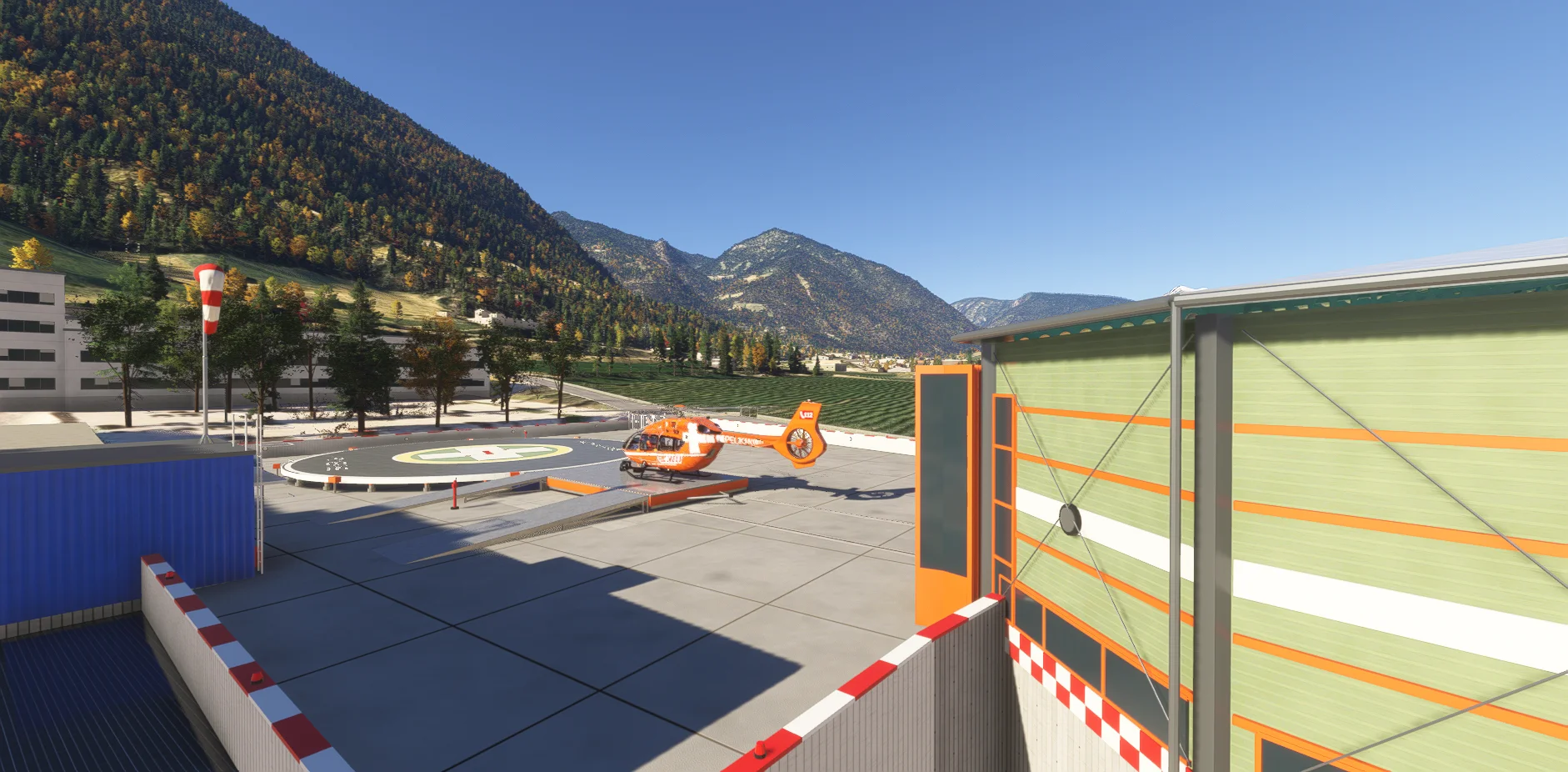
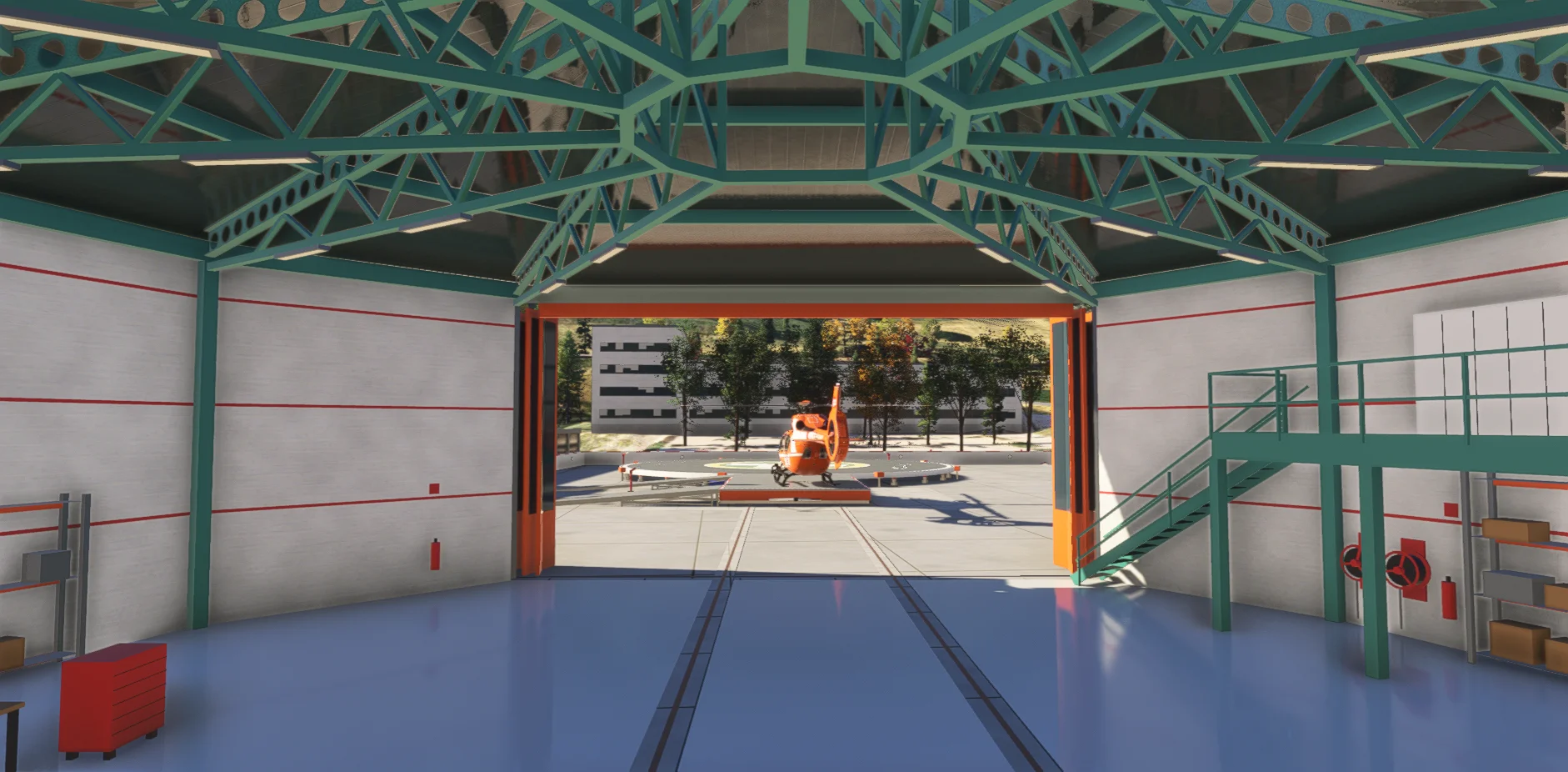
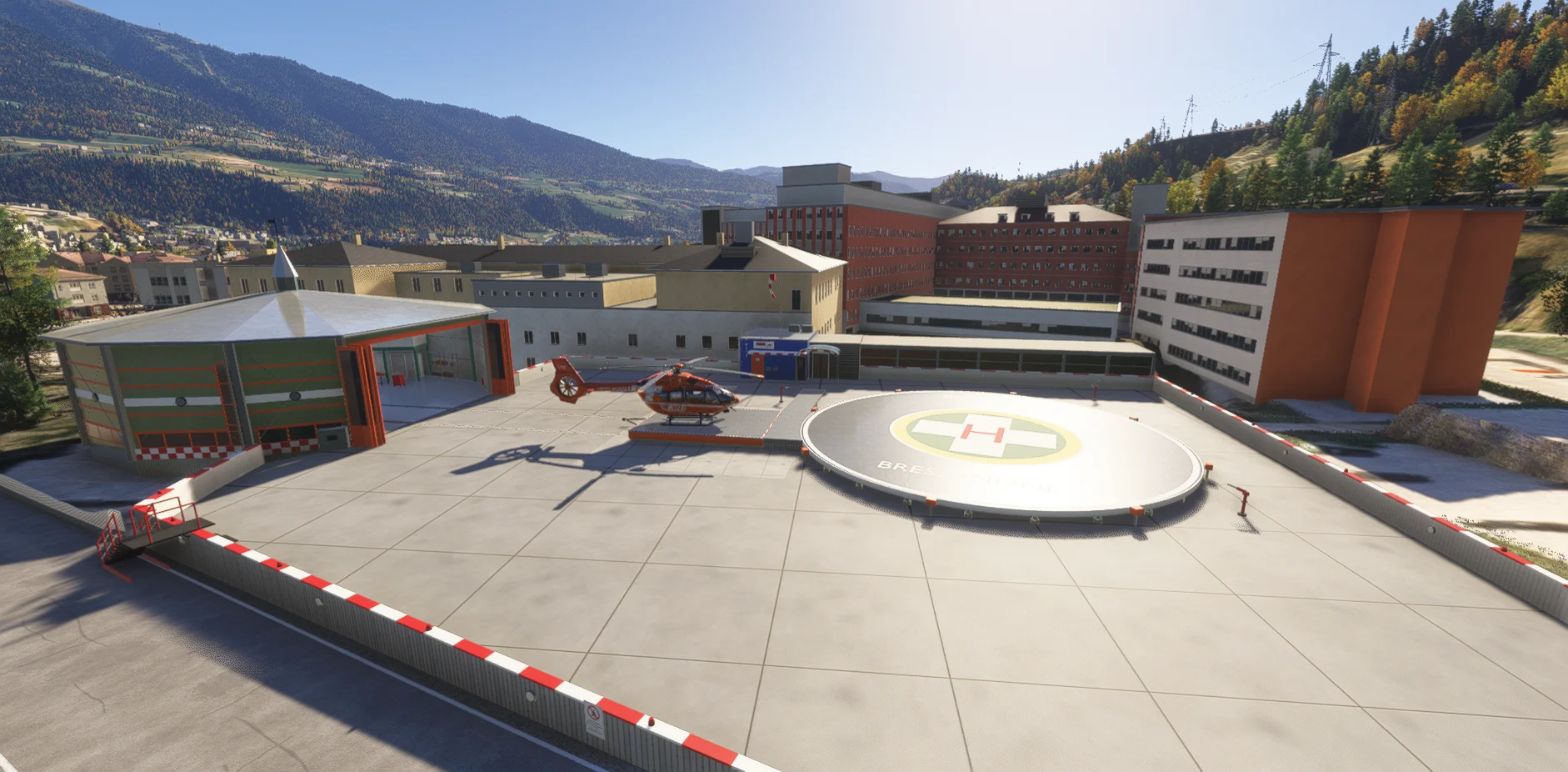
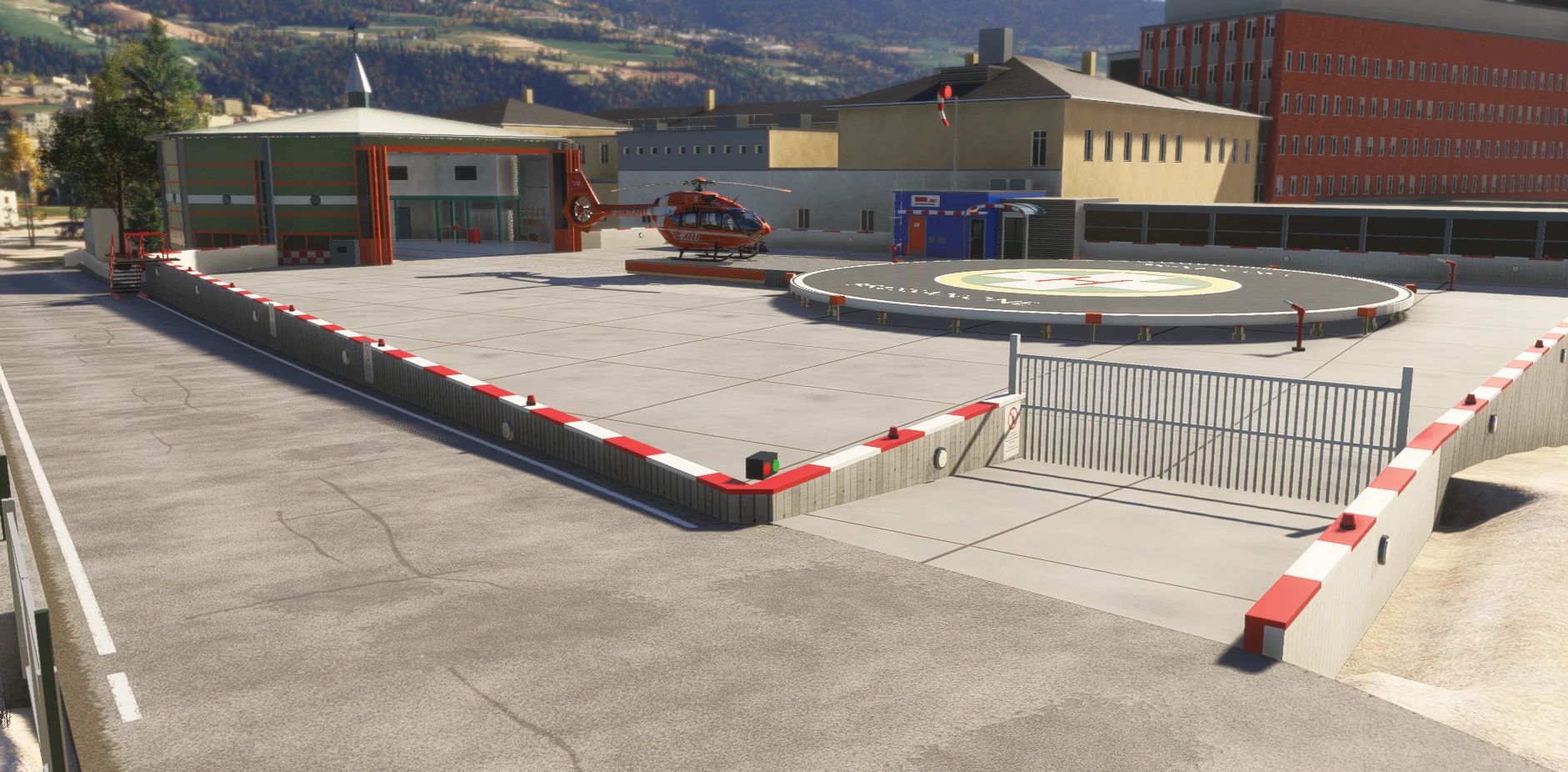
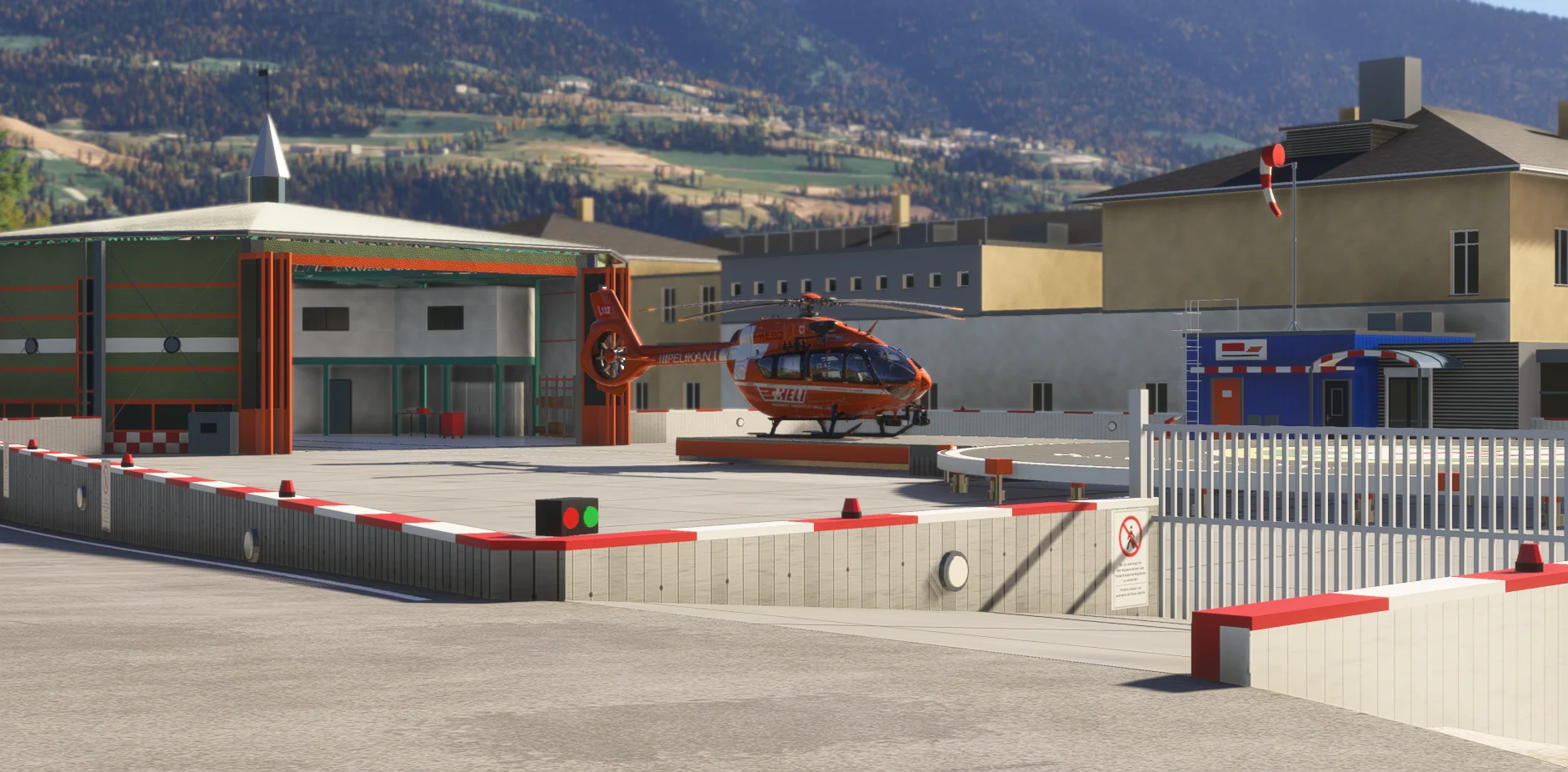
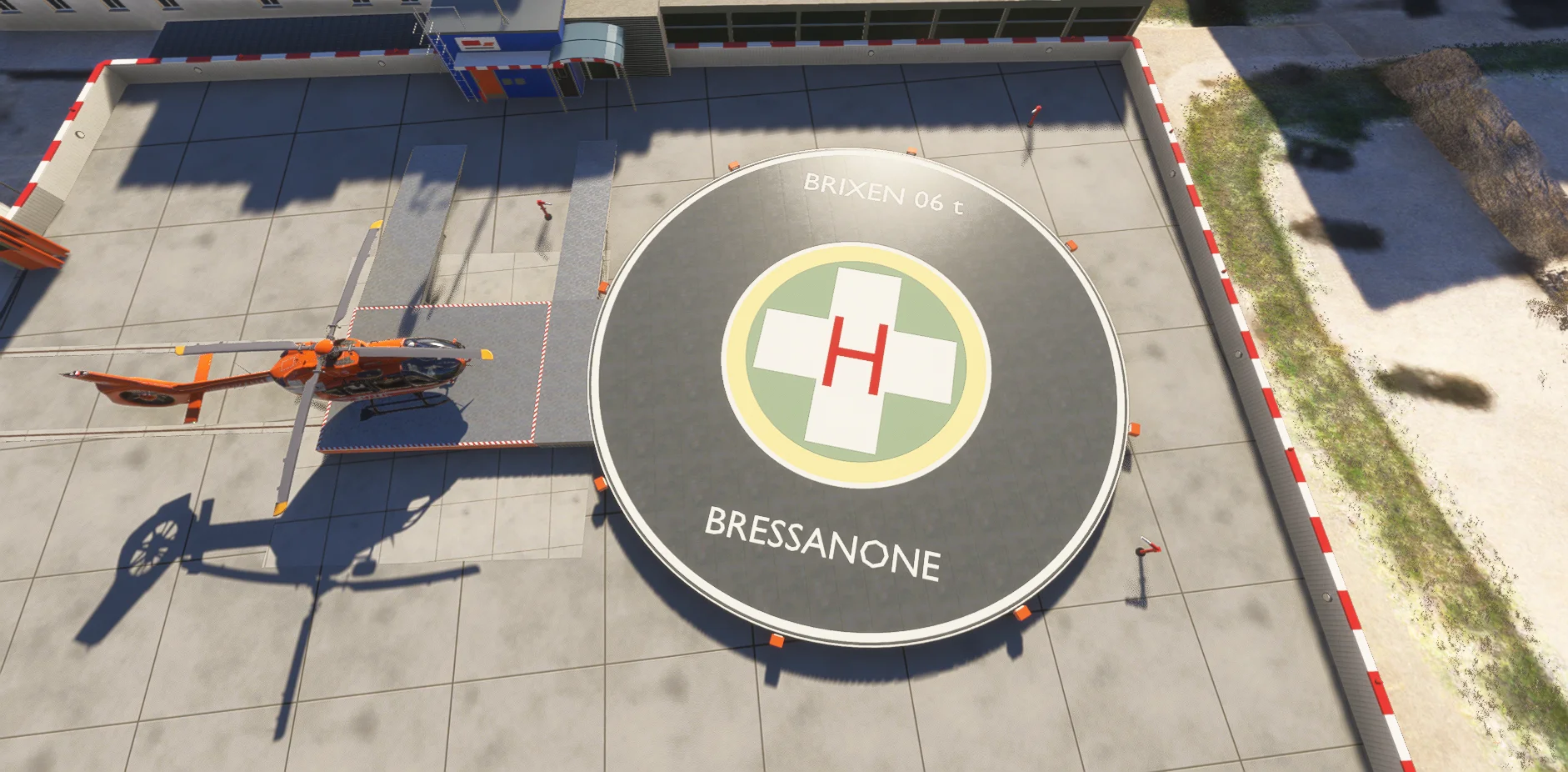
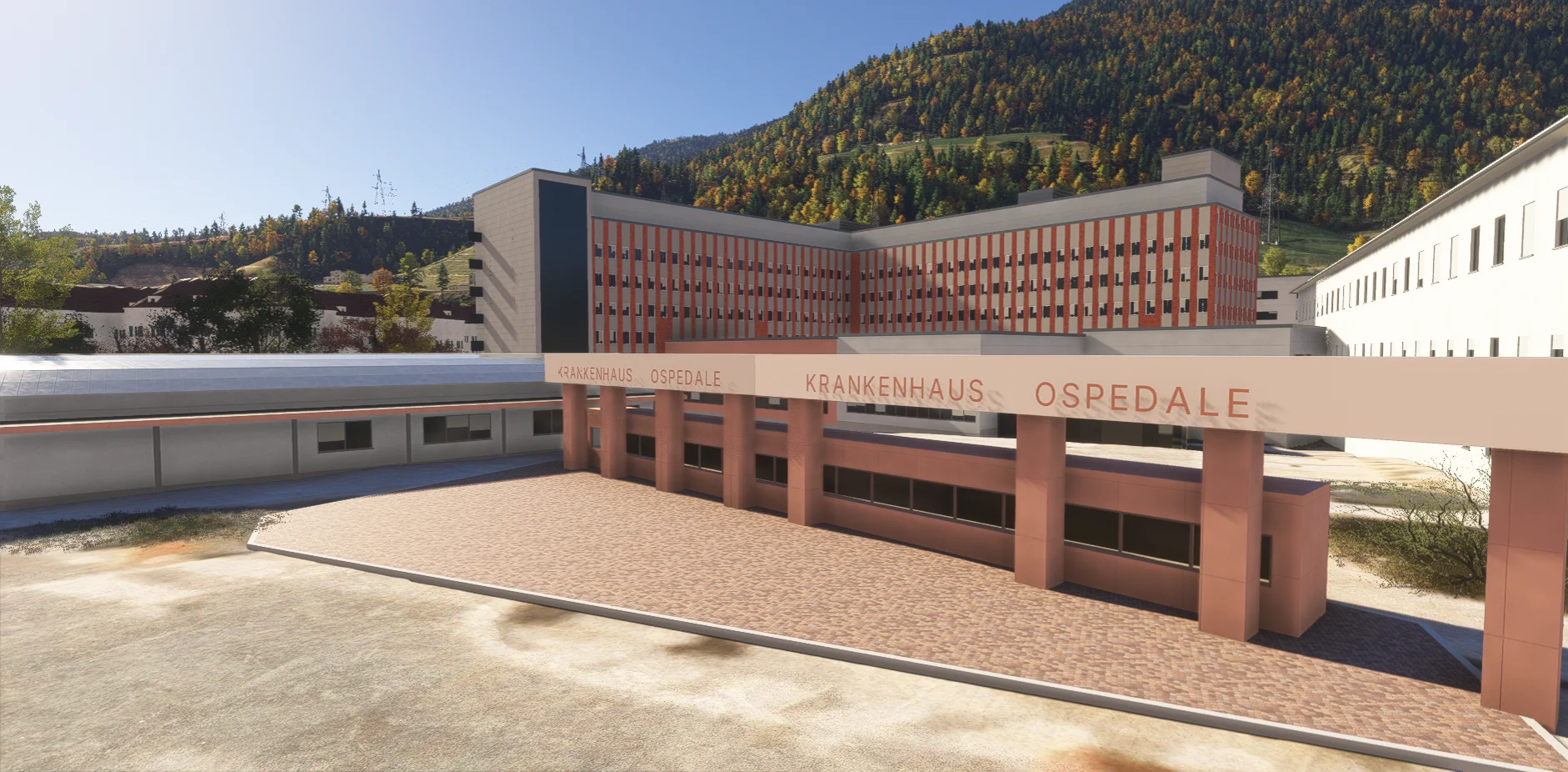
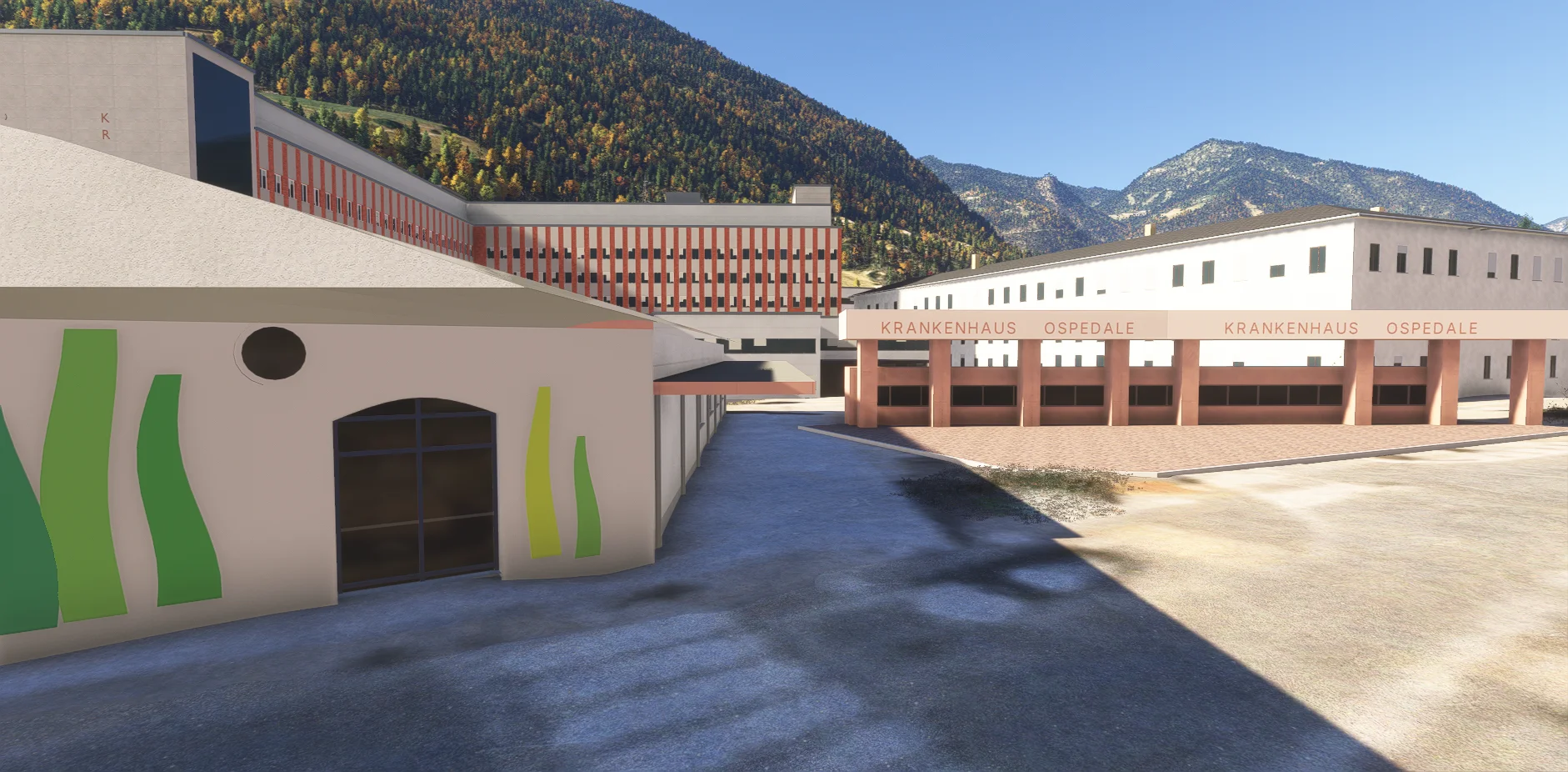
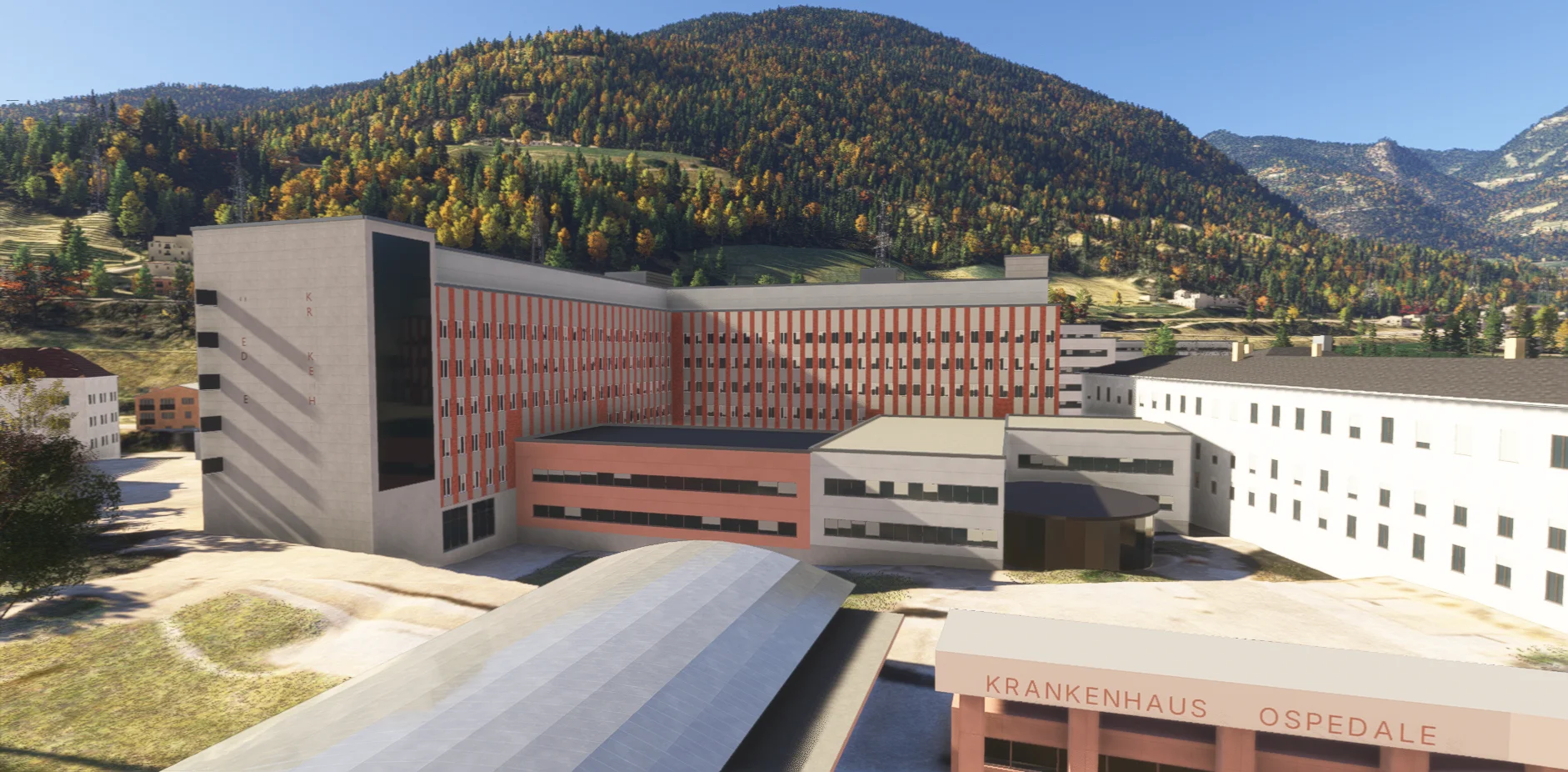
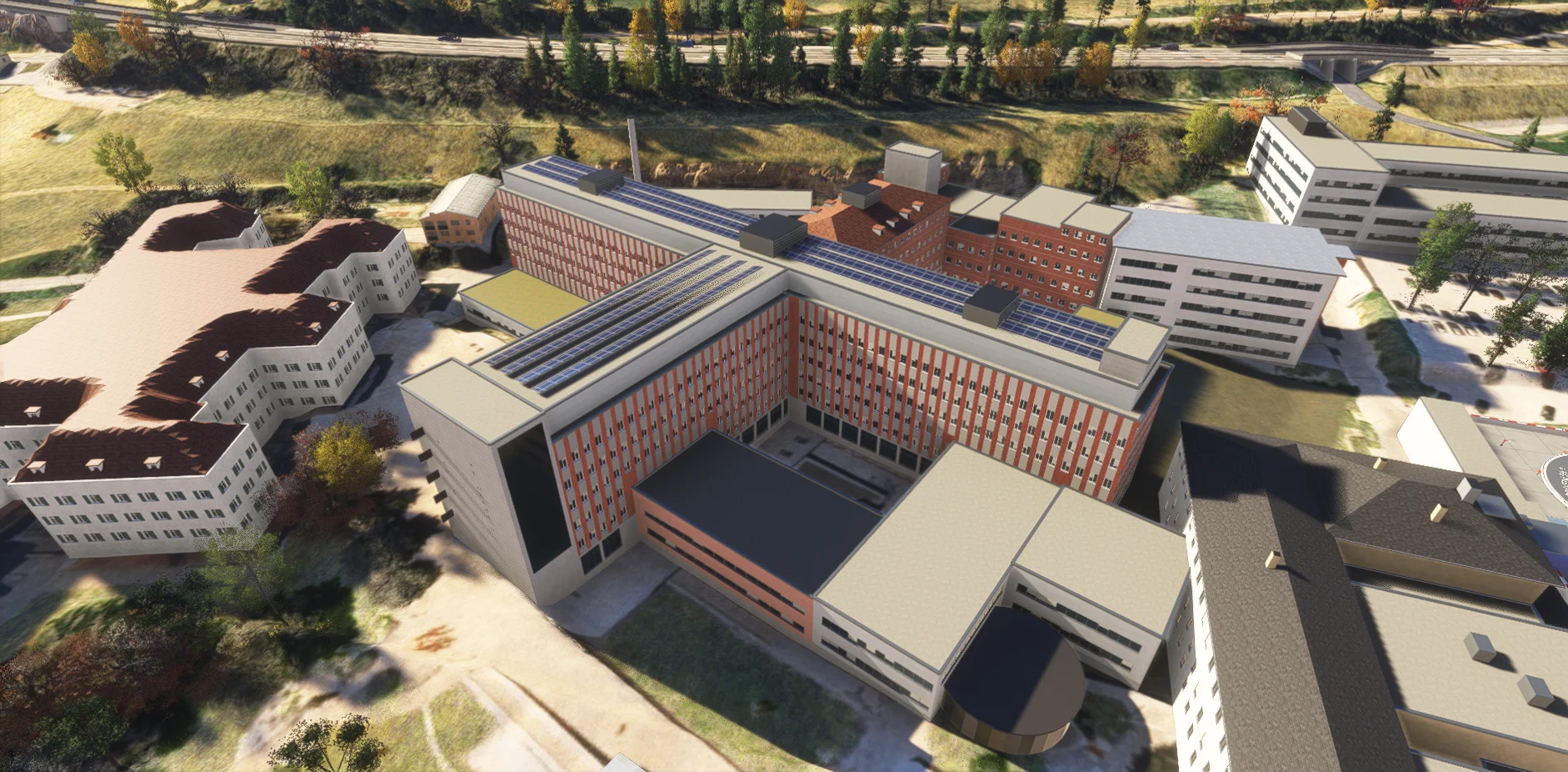
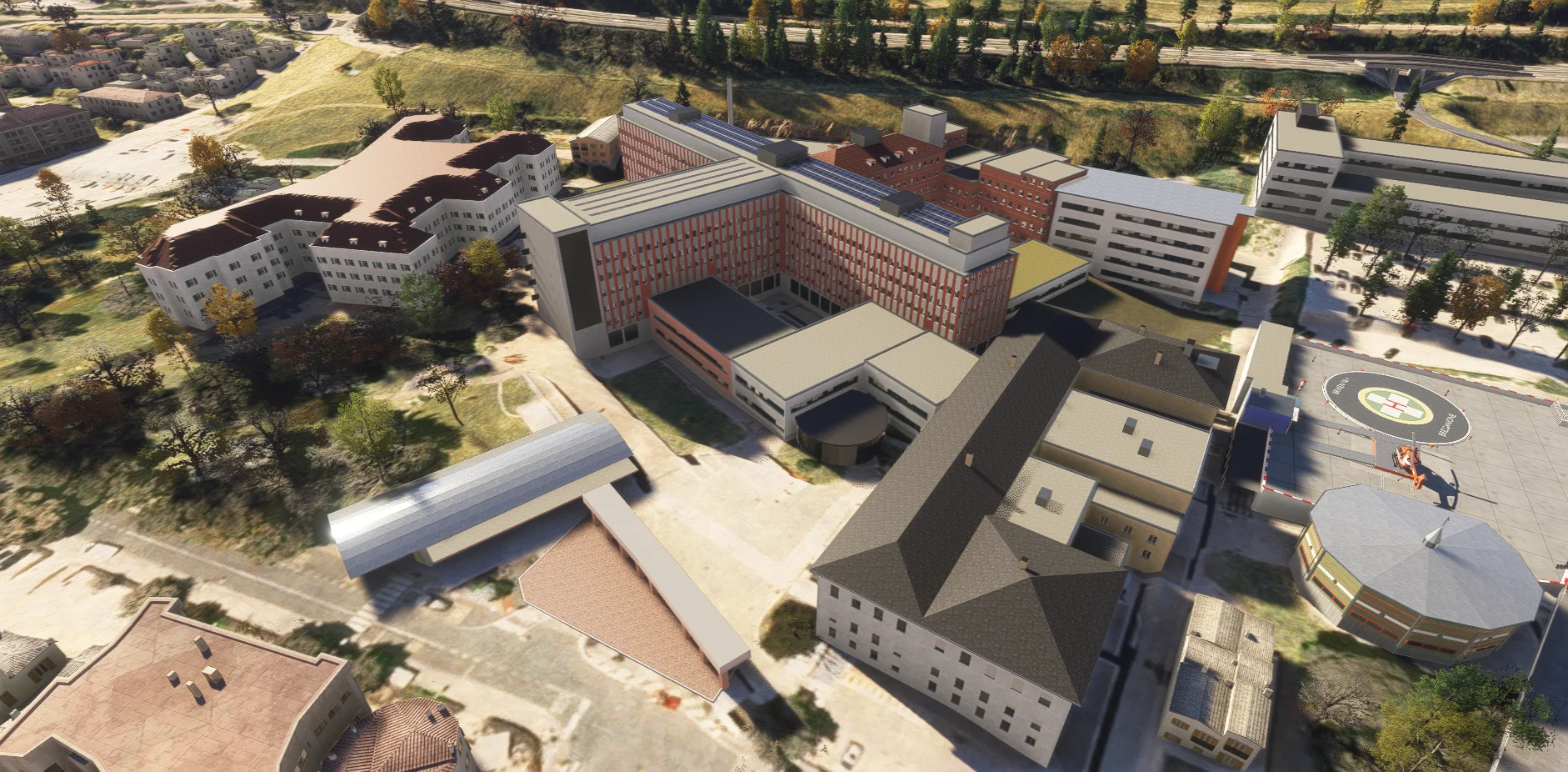
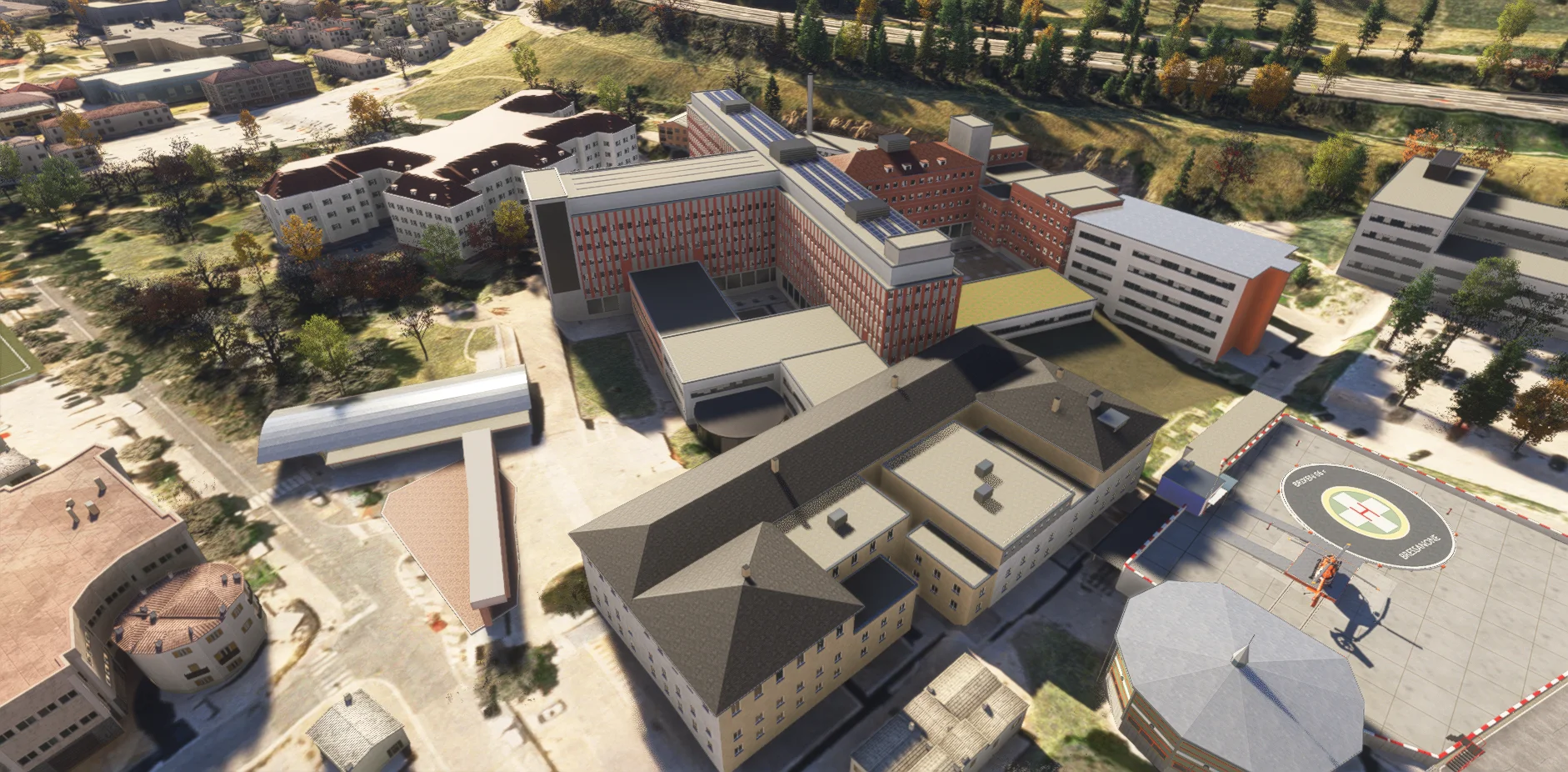
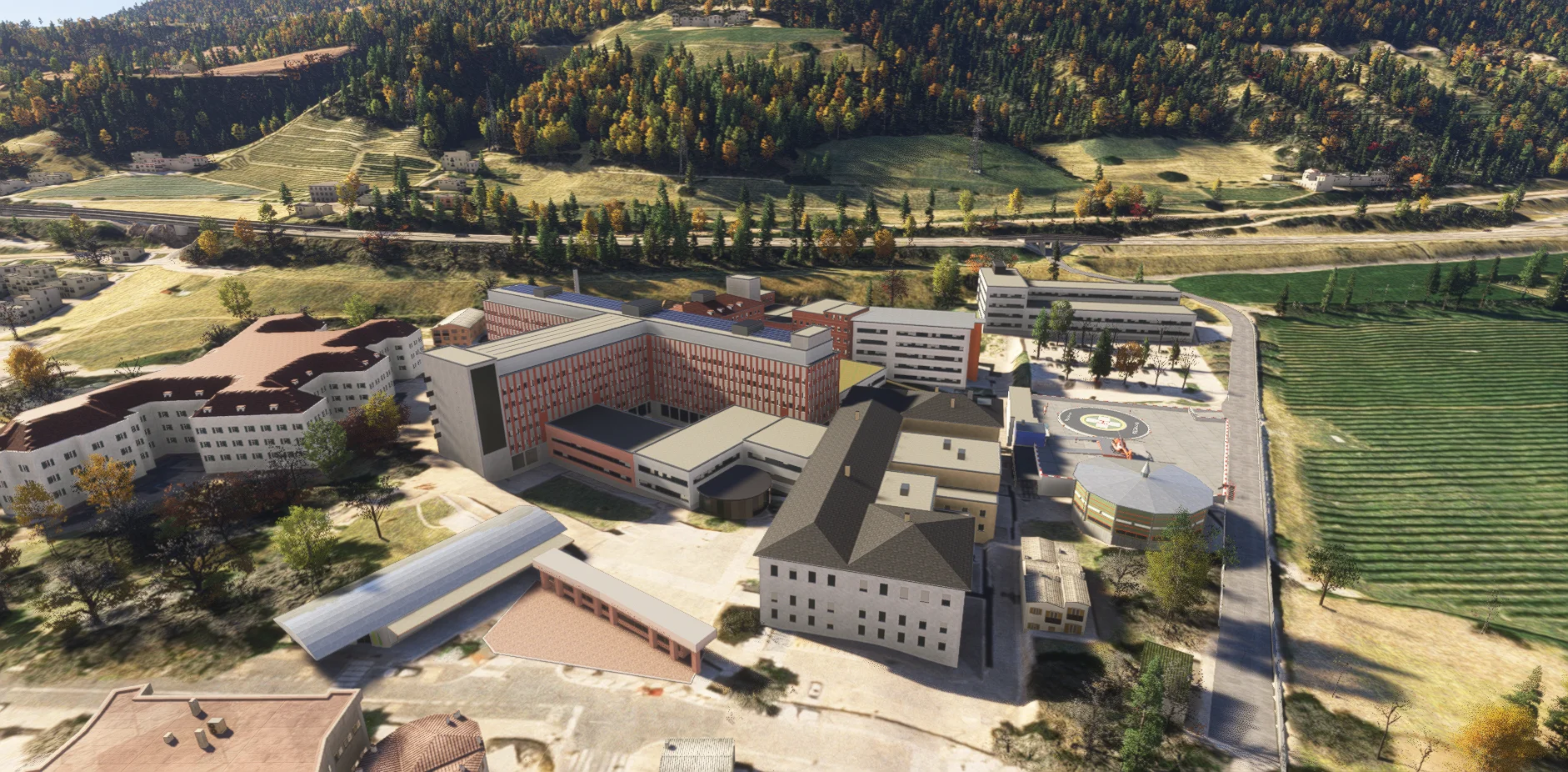
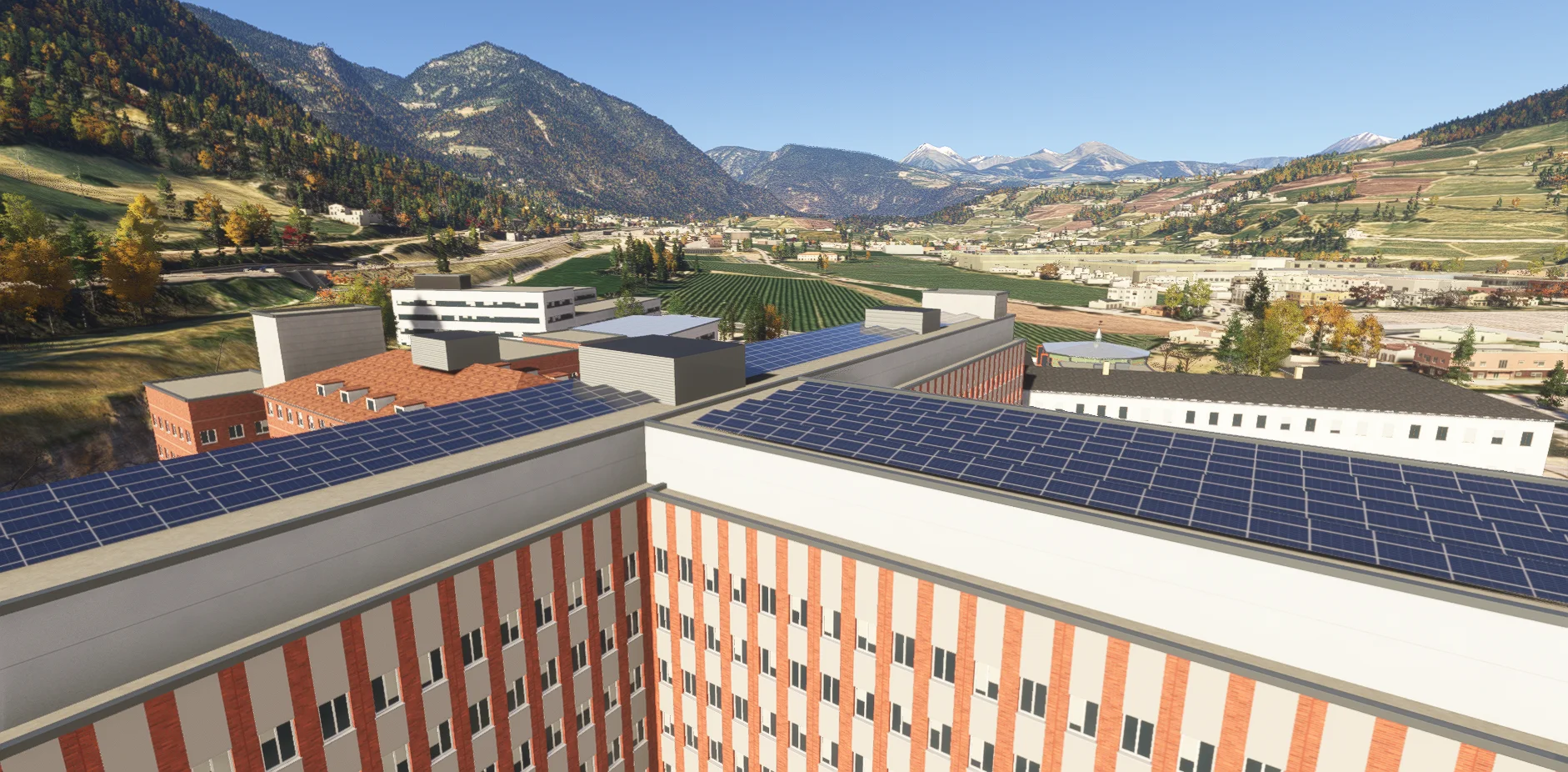
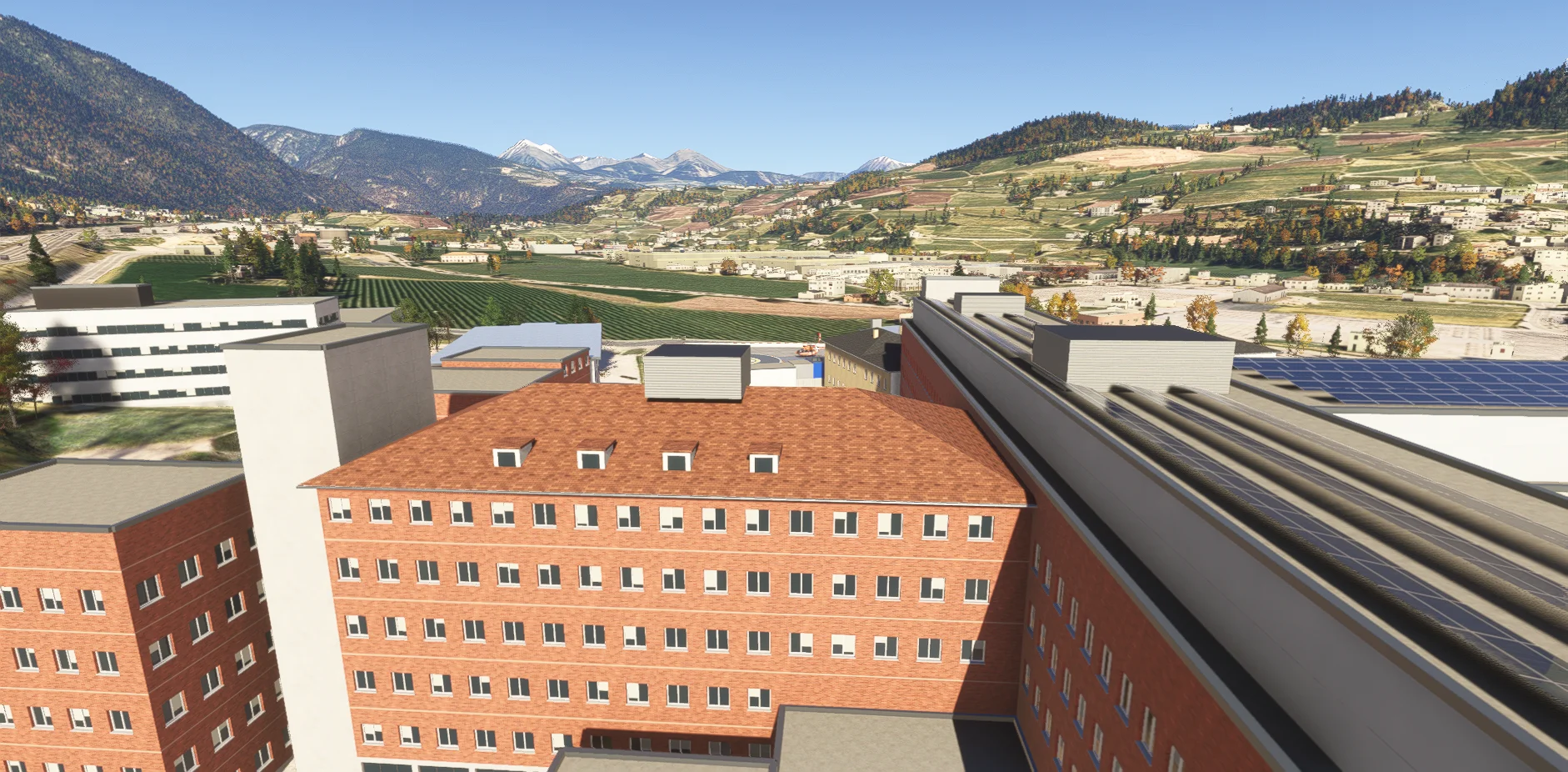
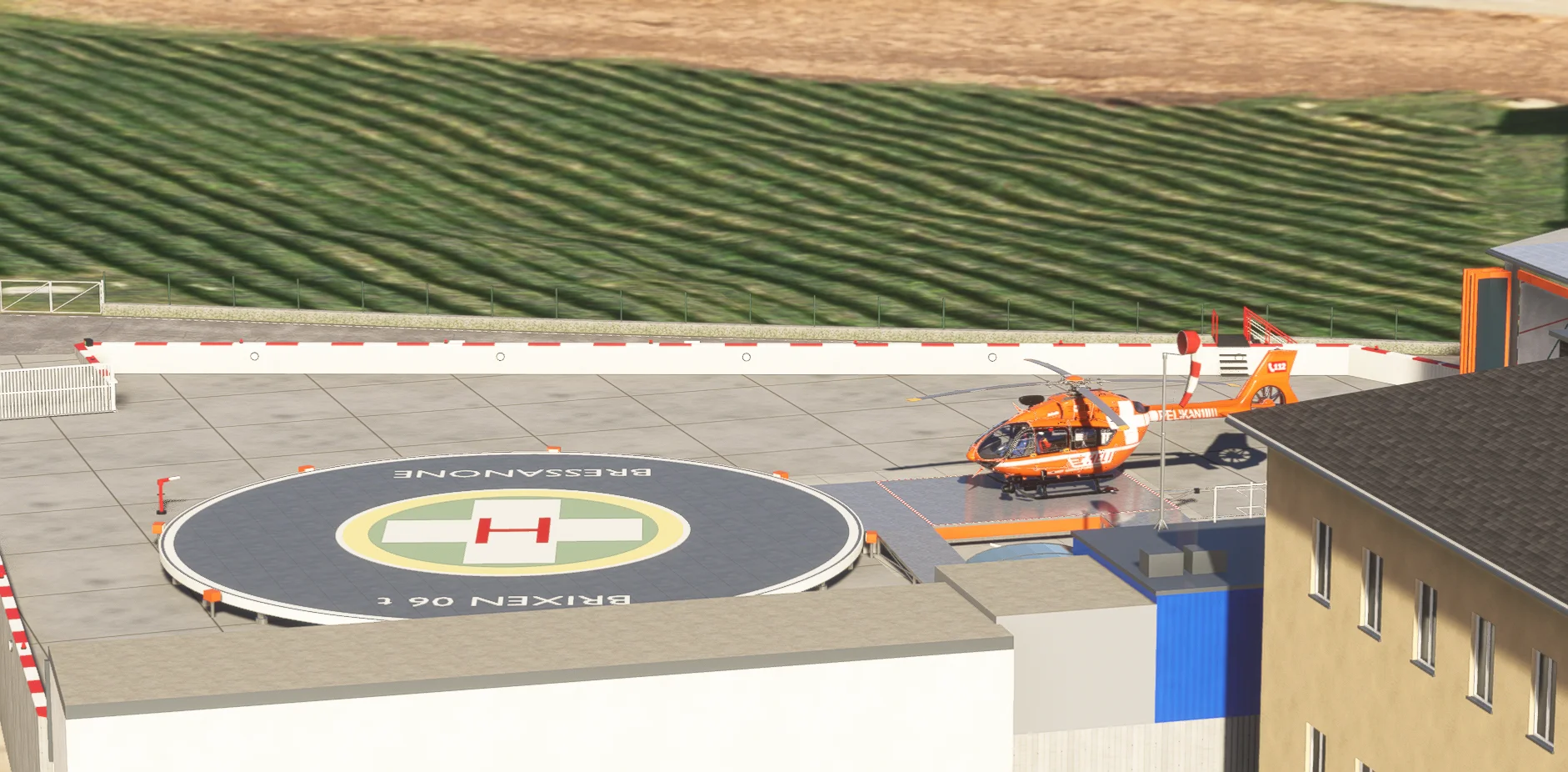
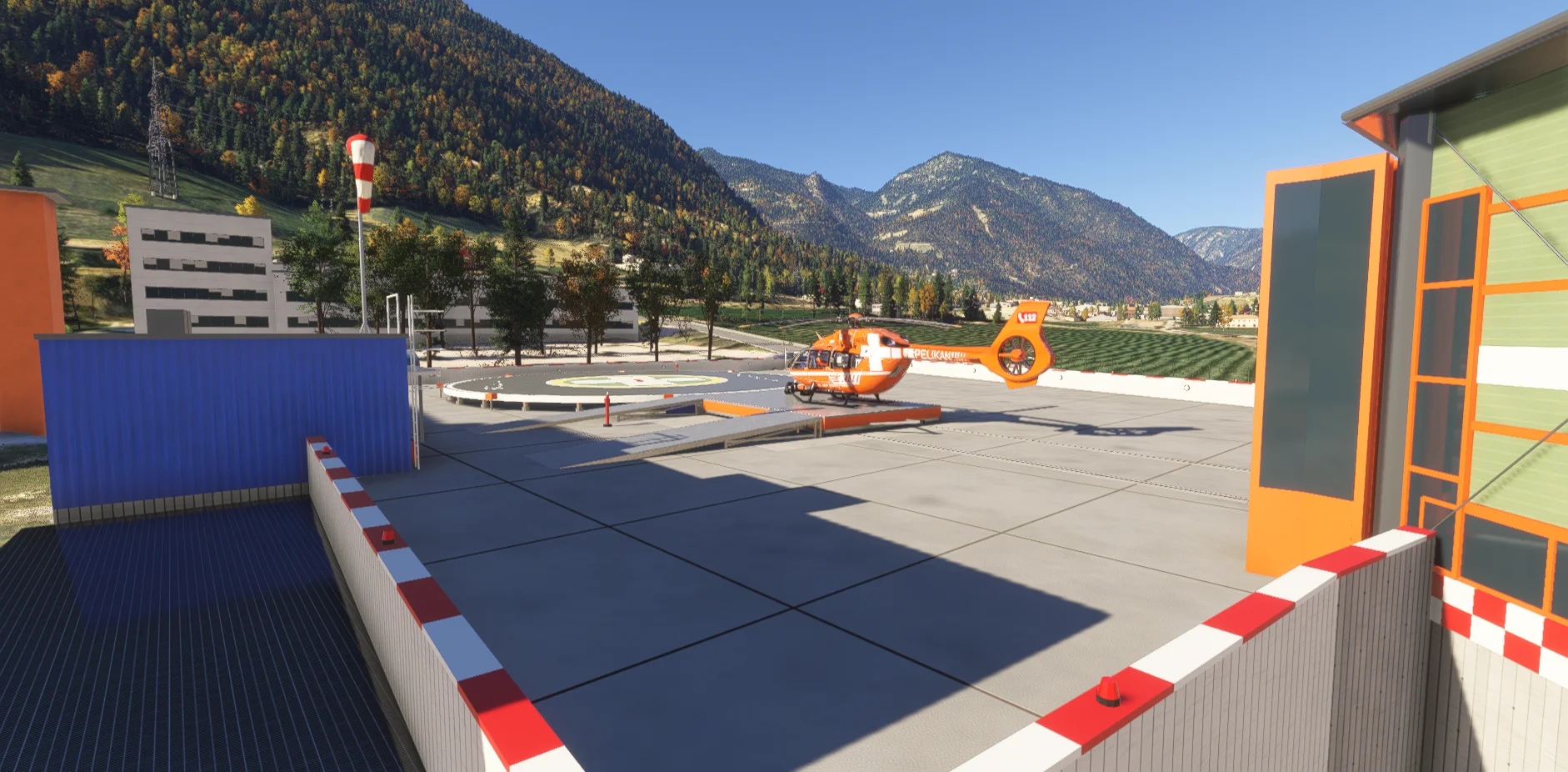
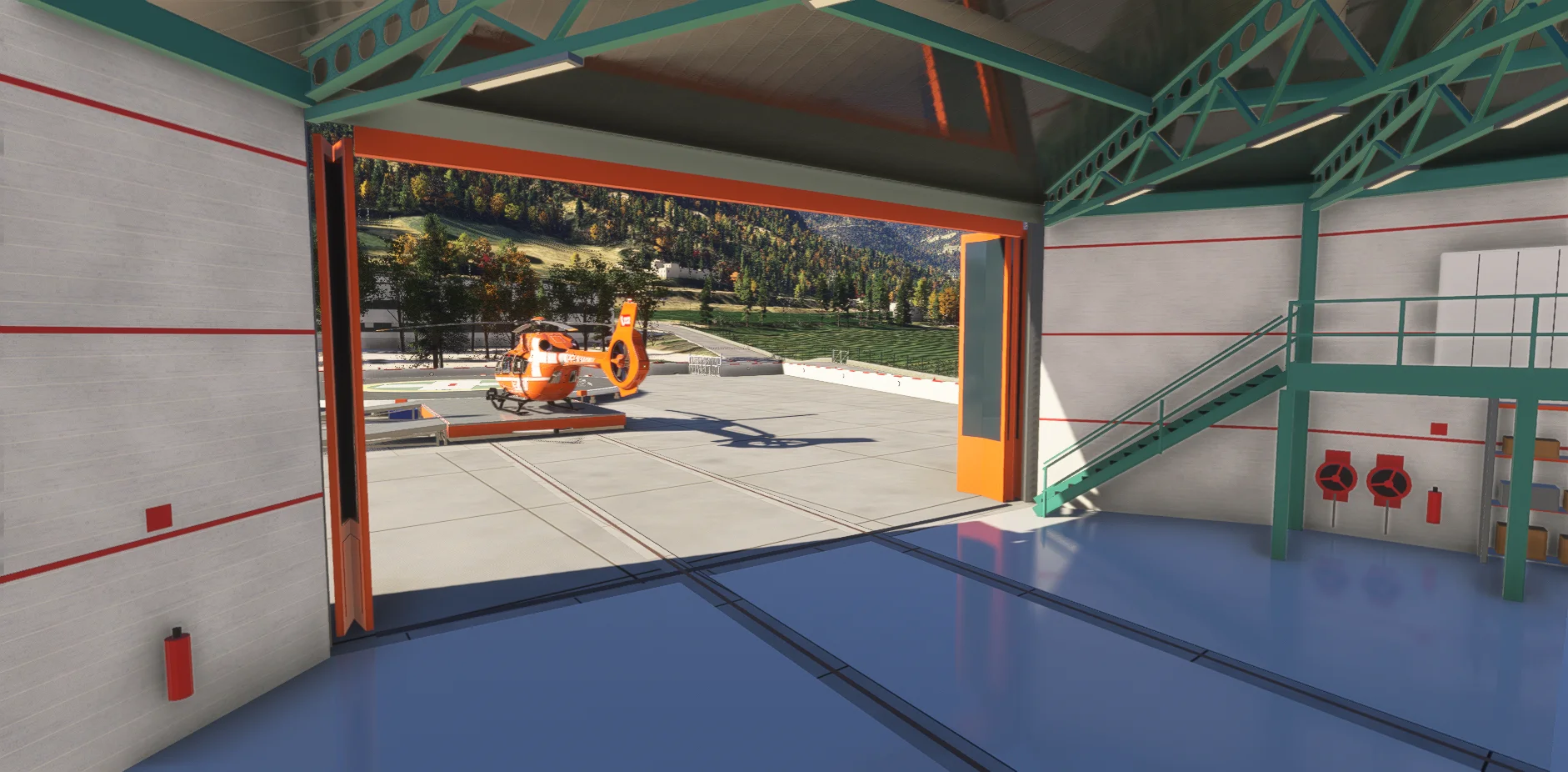
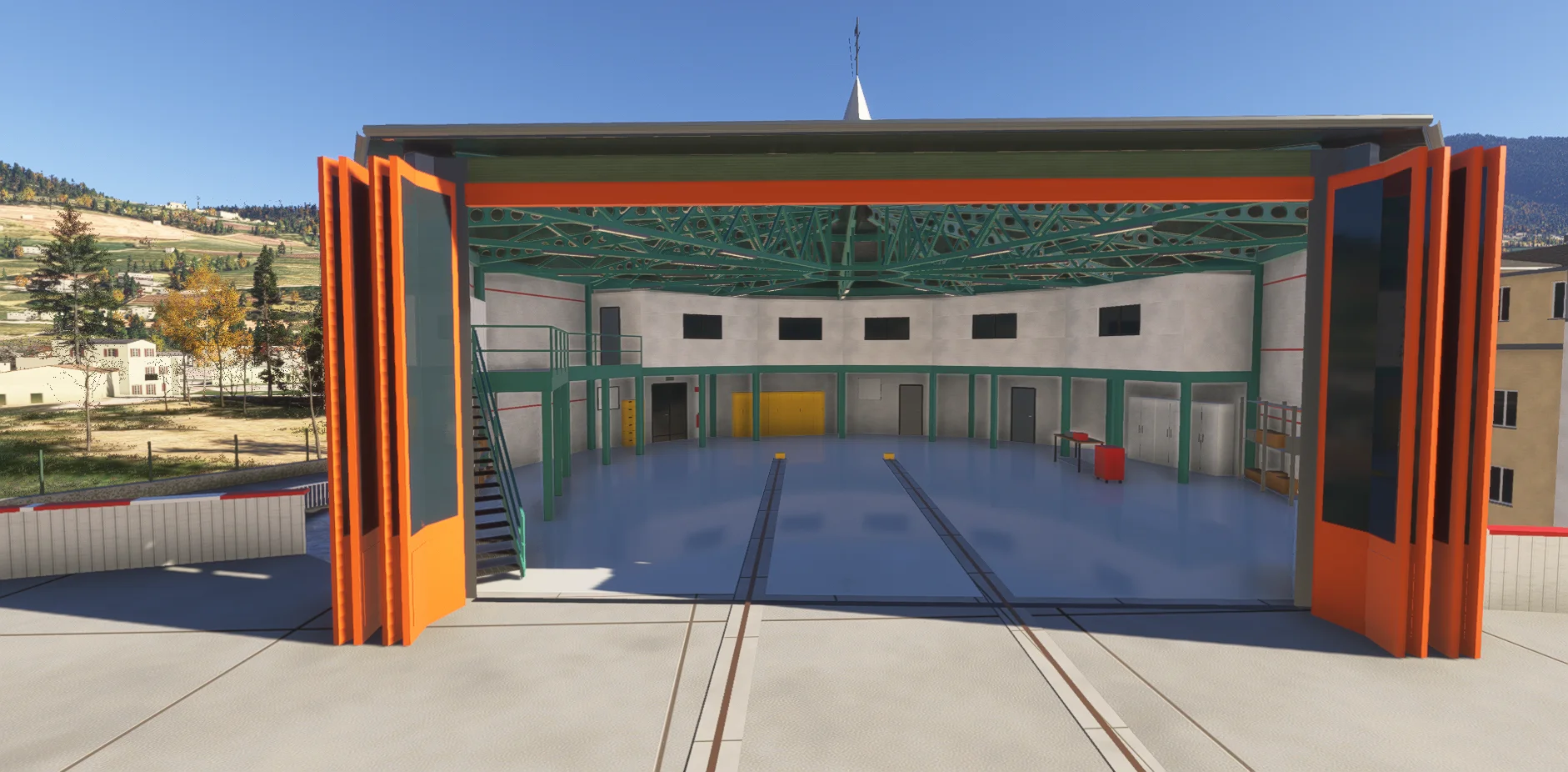
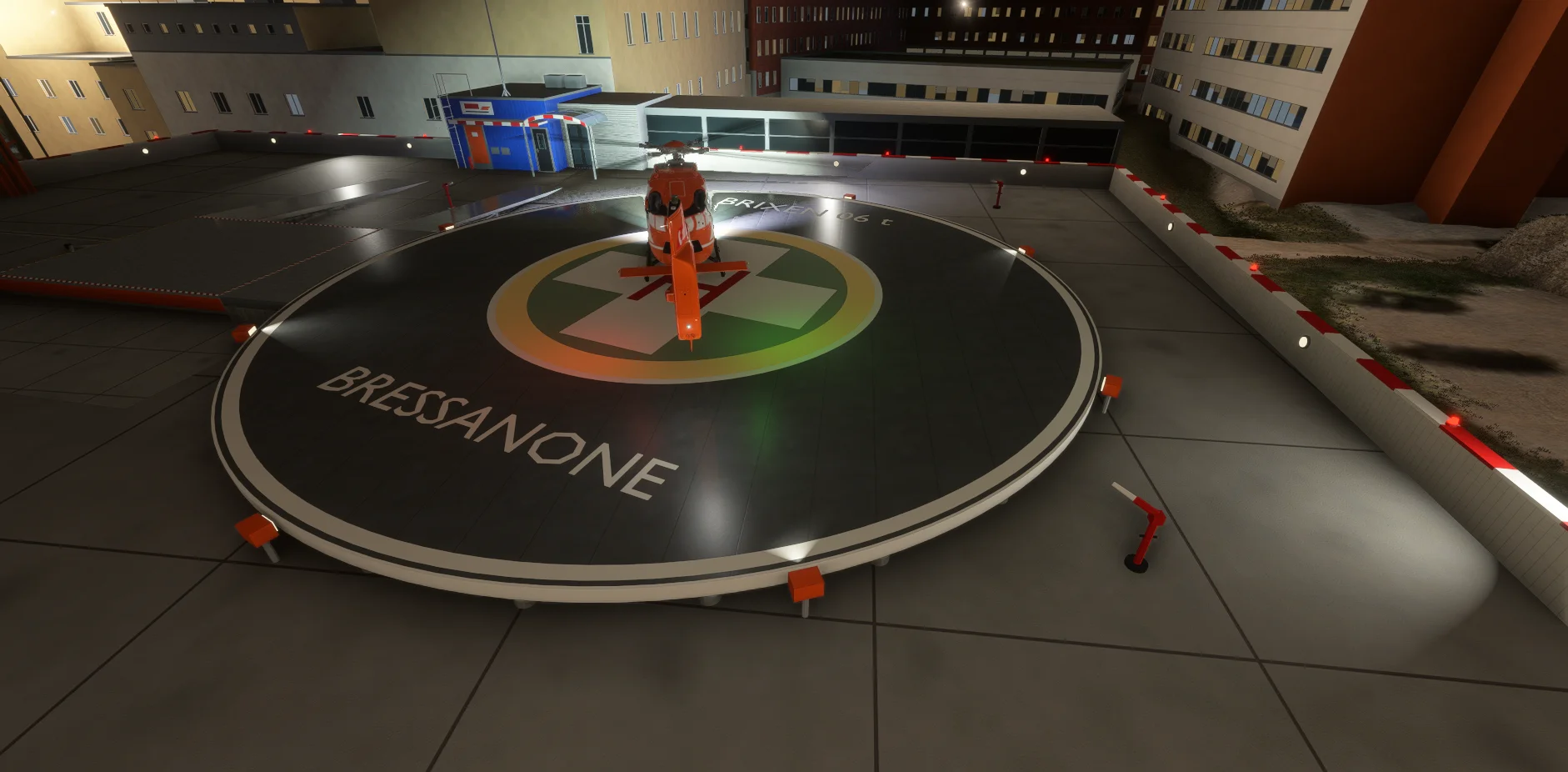
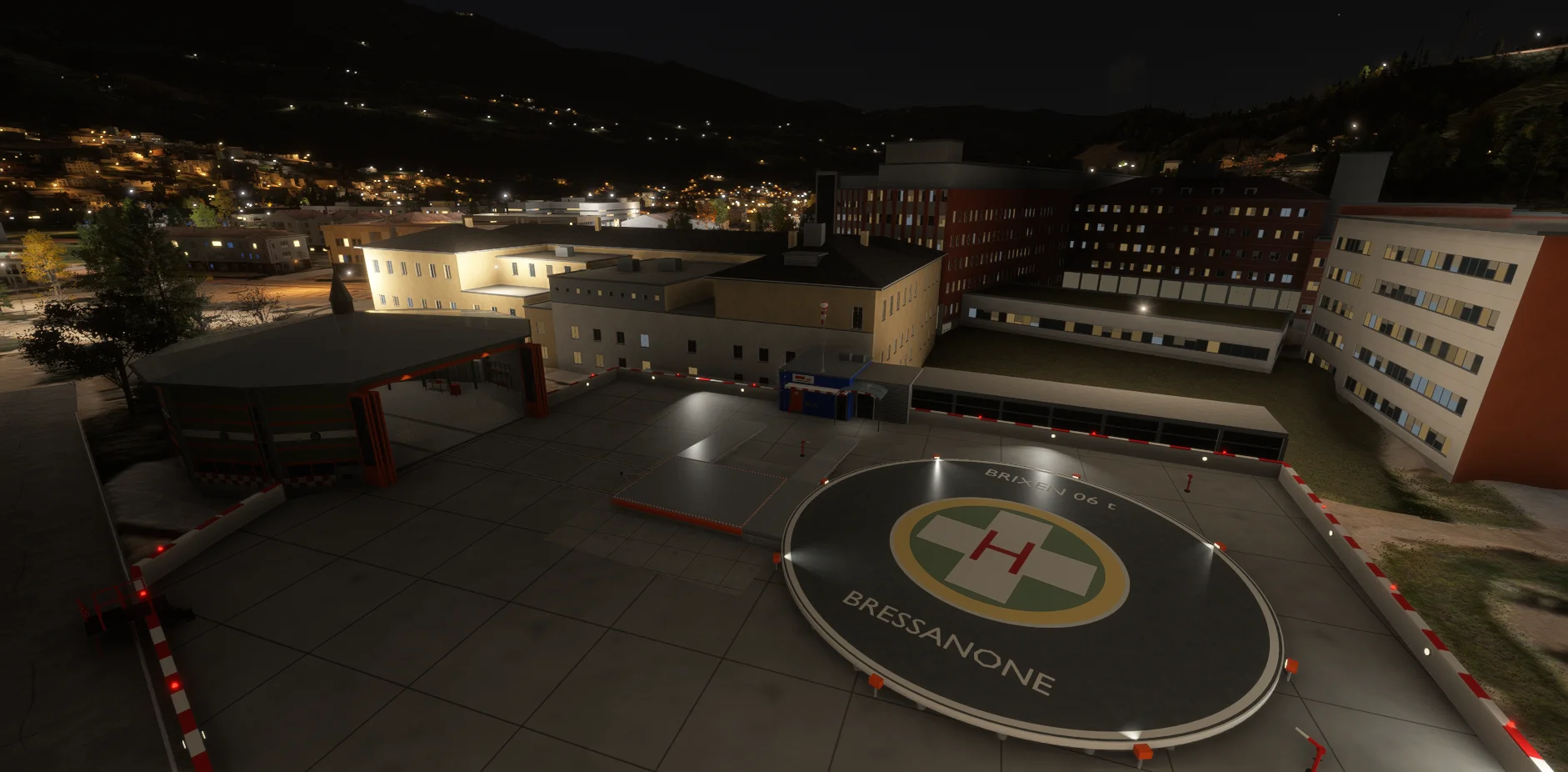
Fly to the hospital of Bressanone / Brixen, home of the real-world Pelikan 2 rescue helicopter base in South Tyrol. A distinctive destination for your virtual medical transfers, with the hospital complex, raised circular helipad and detailed hangar.

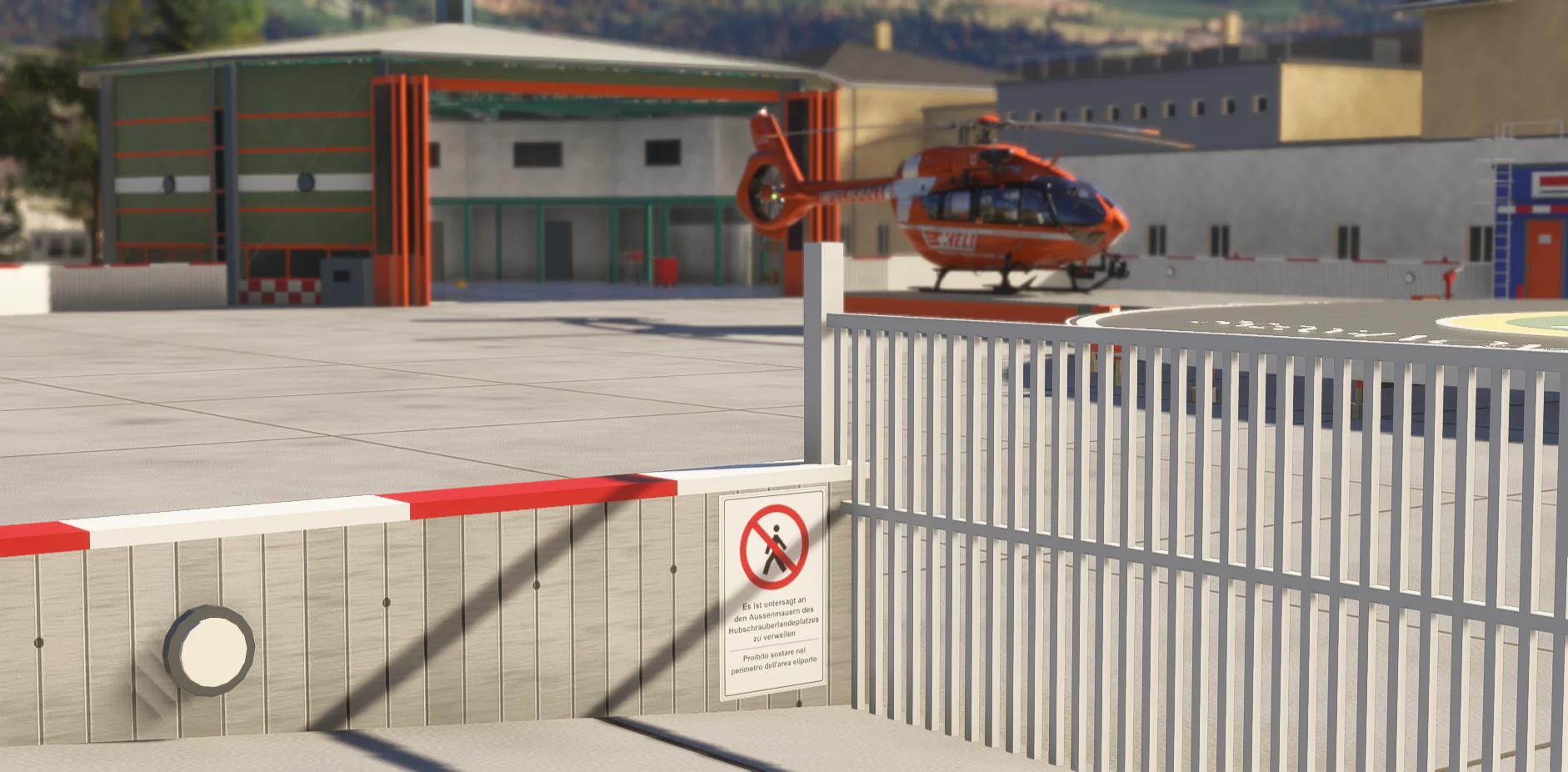
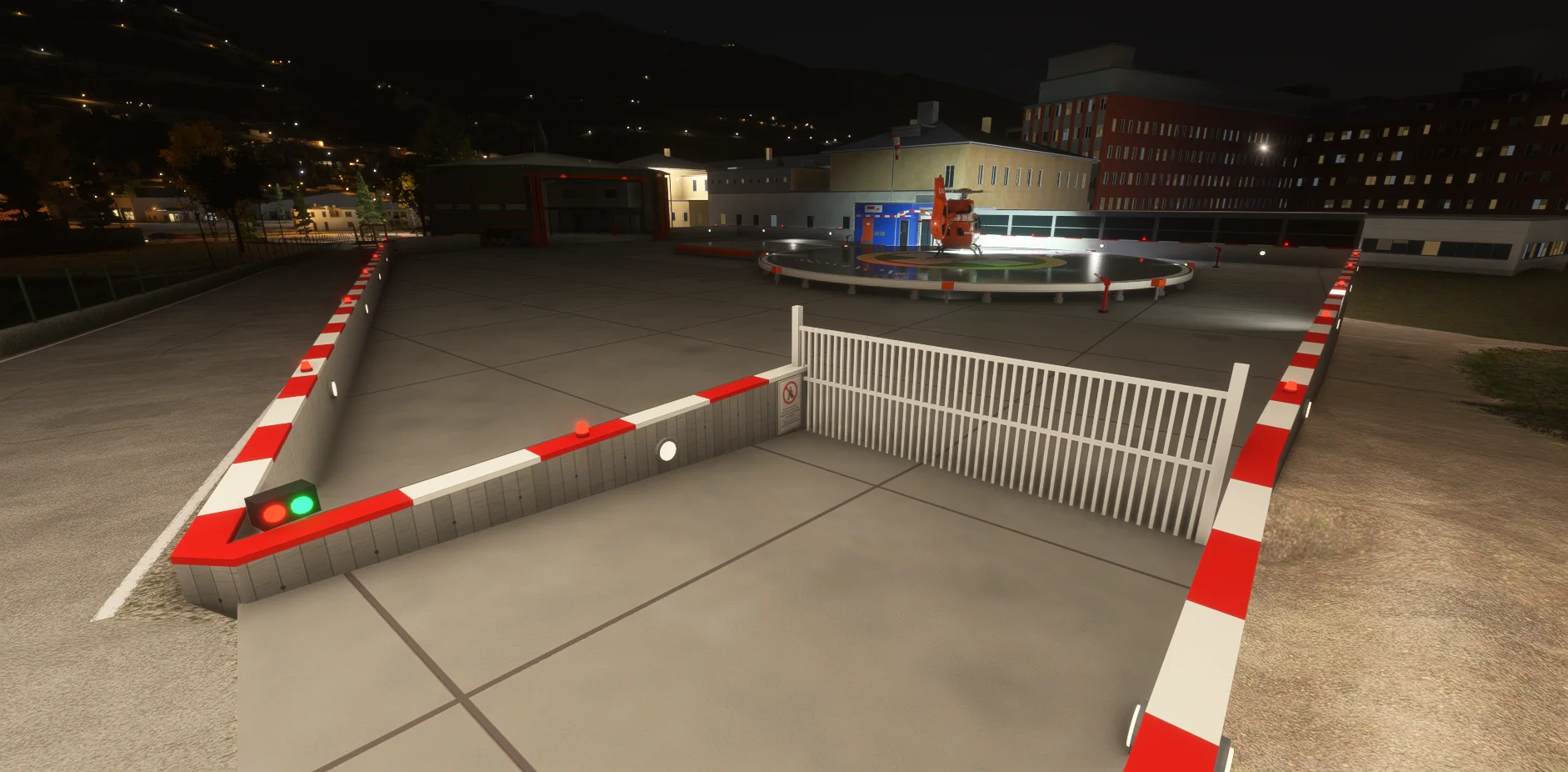
The helipad and surrounding base area have been recreated as faithfully as possible to their real-world counterparts.

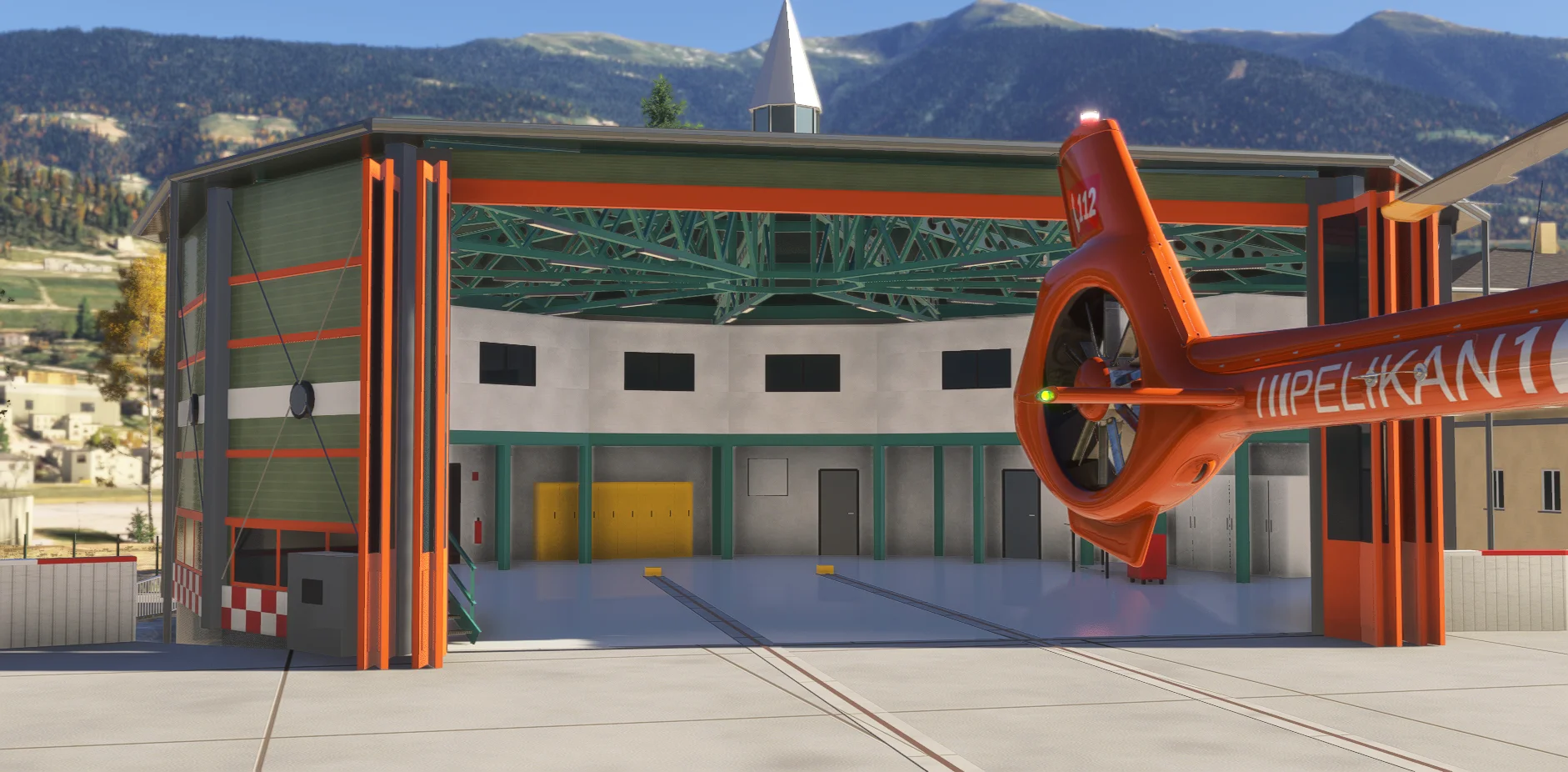
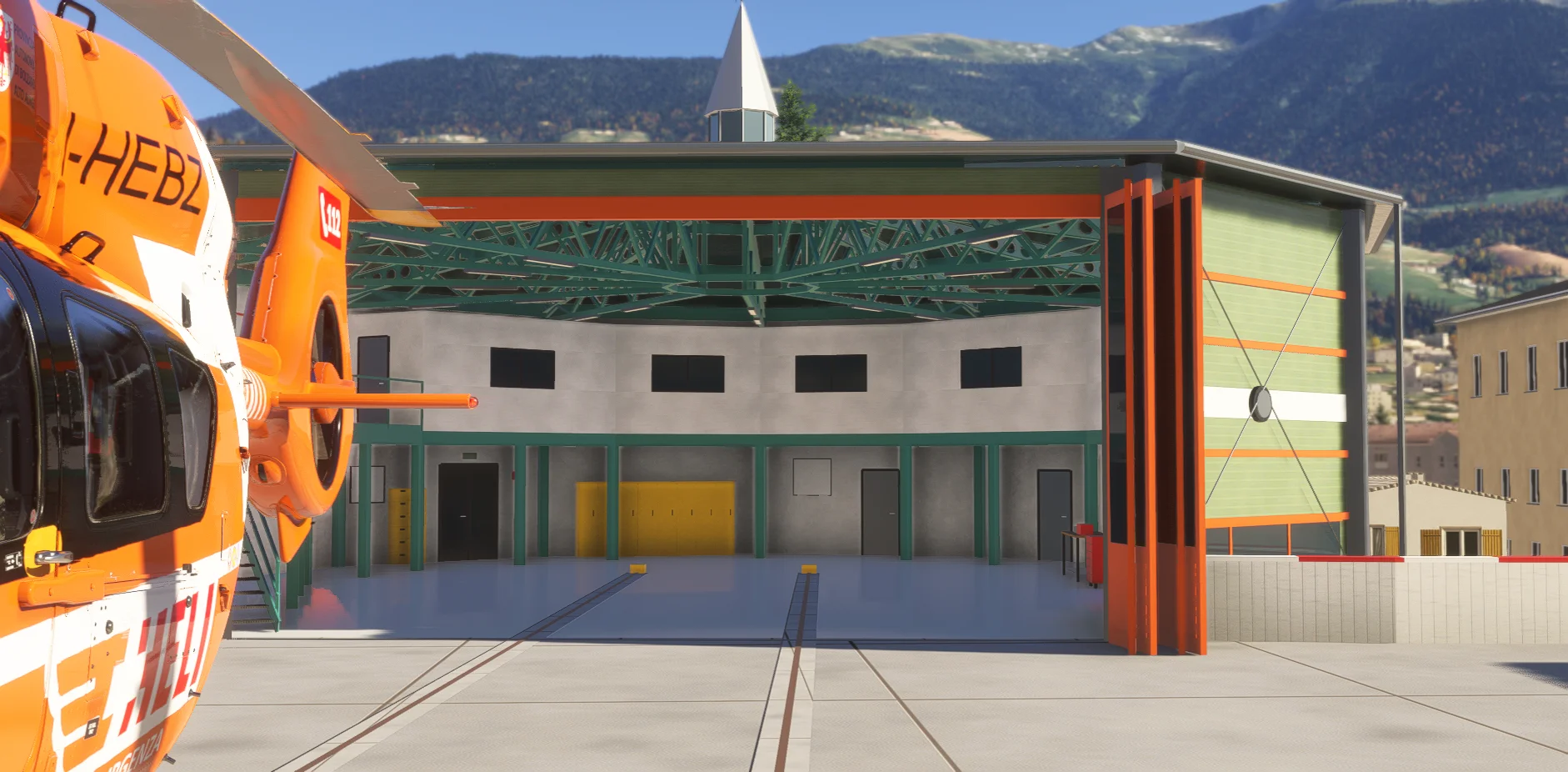
  • Animated hangar dolly

    The rail-mounted trolley carries your helicopter into and out of the hangar. It is included in the scenery.

  • A complete hospital setting

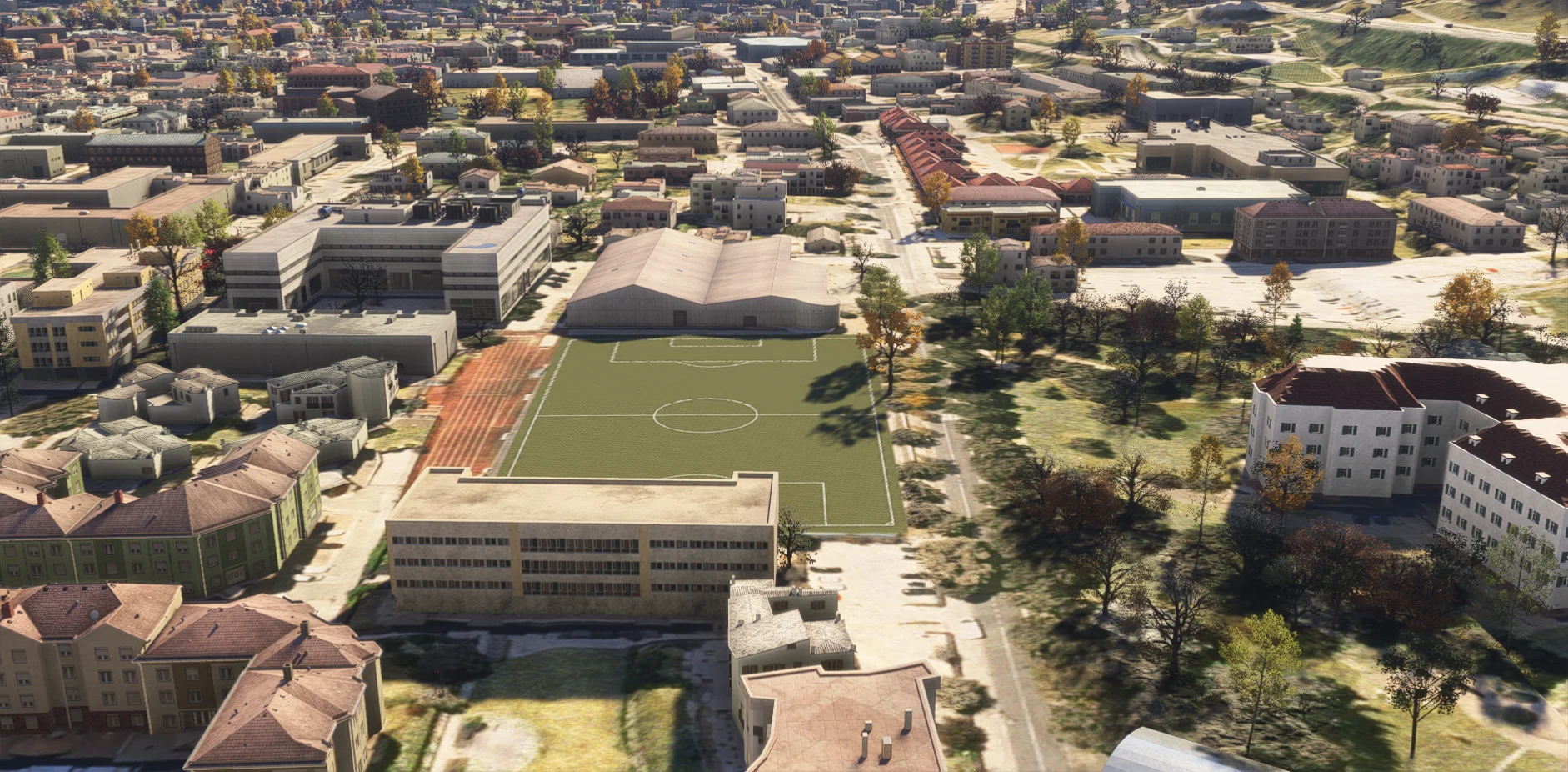
    Hospital buildings, apron, hangar interior and the neighbouring sports field.

  • Day and night operations

    Wind-responsive windsock, helipad and obstacle lights, and illuminated windows.

MESHBORNE · PELIKAN 2

Bressanone in motion.

Watch on YouTube

The video plays from YouTube (privacy-enhanced mode) once you select it.

1.1.3 · MSFS 2024 PC

Installation & animated dolly

One folder. Scenery and dolly together.

Installation & requirements
  • Close MSFS 2024 and extract the ZIP. Put the single meshborne-bressanone-hospital folder into your active Community folder. The animated dolly is included; no separate module is needed.
  • If upgrading, remove the old hospital folder and any separate dolly module from Community, including Addons Linker entries. Avoid duplicate or conflicting scenery for this hospital.
  • Microsoft Flight Simulator 2024 on Windows PC, minimum game version 1.9.21. About 240 MB installed. No separate scenery library required; MSFS 2020 and Xbox compatibility are not provided.
Moving into the hangar
  • The trolley rests outside the hangar, beside the round helipad. Land on it and shut down: with engines off and rotor stopped, it rolls in after about 10 seconds. The journey takes about one minute.
  • Alternatively, while on the trolley with engines off, switch the battery from ON to OFF. If the rotor is still turning, the trolley waits for it to stop.
  • Automatic roll-in after shutdown only triggers if the engine has run during that flight. A cold-and-dark start on the trolley requires the battery to be switched from ON to OFF.
Rolling out & compatibility
  • Switch the battery from OFF to ON, or start the engine. The trolley rolls out and releases the helicopter at its rest position. Switching the battery off during roll-out sends it back inside.
  • The helicopter is held while moving; off-centre landings are eased onto the rail axis. Loading a flight parked inside the hangar on the rails places it on the trolley. Slew or moving away cancels the movement and resets the trolley outside.
  • Uses standard engine and rotor variables. Tested with the Asobo H125 and HPG H145.
Finding the base
  • Search the world map for Ospedale Bressanone or XSBX. XSBX is a fictional identifier used only by this scenery in the simulator.
  • Bressanone / Brixen, South Tyrol, Italy. Coordinates: 46.7251 N, 11.6479 E. Helipad elevation: approximately 573 m / 1,880 ft.

Pairs perfectly with

Complete the flight.

We strongly recommend pairing this free Pelikan 2 base with DOLOMITI VOLUME 1 for more realistic virtual rescue flights among recreated mountain huts, lifts and helicopter landing sites.

Dolomiti Volume 1 is a separate, optional premium scenery. Bressanone is completely free and works independently.See all products

MESHBORNE

Questions about Bressanone?

For future news, special discounts and direct support, join our Discord.